Why Local Inference Makes Sense for Development
Cloud LLM providers charge per token, rate limit dev teams, and introduce random network latency when you're running integration test suites. Calling GPT-4o or Claude 3.5 Sonnet every time your PHPUnit test runs will drain your budget and slow down your CI pipeline. Setting up local inference with Ollama gives you zero-cost, instant local iterations, offline development capability, and complete control over sensitive data before it ever hits production servers.
Local models won't replace top-tier cloud models for complex multi-step reasoning or high-stakes production features. But for scaffolding, writing unit tests, parsing standard JSON schemas, and building local prototypes, current small language models running through Ollama are good enough.
Hardware Limits and VRAM Calculations
The biggest bottleneck for local LLMs isn't raw CPU speed or system RAM. It's video memory (VRAM) bandwidth. When running models locally with Ollama, the full weights of the quantized model must fit inside your GPU or Apple Silicon unified memory to achieve usable token output speeds.
Here's what hardware allocation looks like in practice:
- 8GB VRAM / Unified Memory: Runs 7B and 8B parameter models at 4-bit quantization (Q4_K_M). Expect models like
llama3.1:8borqwen2.5:7bto consume around 4.7GB of VRAM, leaving minimal headroom for large context windows. - 16GB VRAM / Unified Memory: The sweet spot for local dev. Runs 14B models smoothly or 8B models with extended context windows up to 32,000 tokens without swapping.
- 32GB+ VRAM / Unified Memory: Required for 32B models like
qwen2.5:32bor running multiple quantization variants simultaneously.
If your model exceeds available VRAM, Ollama offloads layer execution to CPU system RAM. The moment CPU offloading happens, generation speed drops from 45 tokens per second down to 3 to 5 tokens per second. That instantly destroys the real-time feedback loop needed during local coding.
Integrating Ollama with Laravel 12 and PHP 8.3
Connecting a Laravel 12 backend running on PHP 8.3 to Ollama requires minimal setup. Ollama exposes a REST API on port 11434 by default. We can build a service wrapper using Laravel's Illuminate\Support\Facades\Http client.
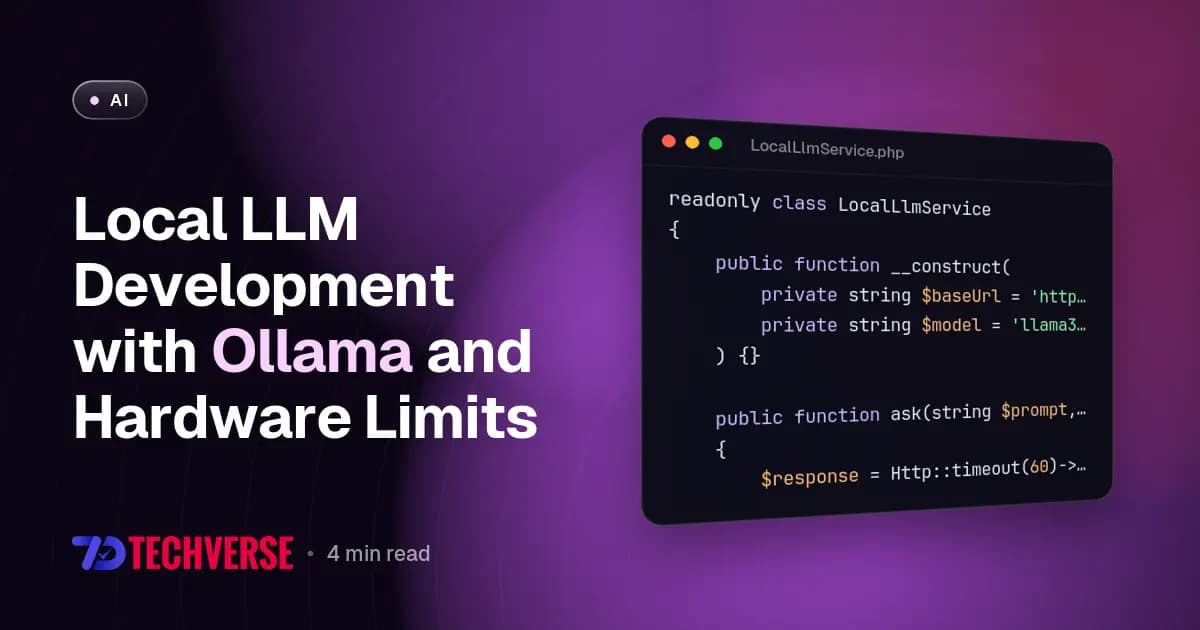
In PHP 8.3, we take advantage of typed class constants, readonly properties, and strict response handling. Here's a service that interfaces with Ollama to generate text responses for local dev tools:
<?php

namespace App\Services;

use Illuminate\Support\Facades\Http;
use RuntimeException;

readonly class LocalLlmService
{
    public function __construct(
        private string $baseUrl = 'http://127.0.0.1:11434',
        private string $model = 'llama3.1:8b'
    ) {}

    public function ask(string $prompt, float $temperature = 0.2): string
    {
        $response = Http::timeout(60)->post("{$this->baseUrl}/api/generate", [
            'model' => $this->model,
            'prompt' => $prompt,
            'stream' => false,
            'options' => [
                'temperature' => $temperature,
                'num_ctx' => 4096,
            ],
        ]);

        if ($response->failed()) {
            throw new RuntimeException('Ollama HTTP request failed: ' . $response->body());
        }

        return (string) $response->json('response', '');
    }
}
Notice the num_ctx option set to 4096. By default, Ollama limits context windows to 2048 tokens to conserve memory. If you pass a large codebase file or stack trace without increasing num_ctx, Ollama silently truncates your input text, leading to confusing model hallucination.
Streaming Responses in Next.js 16 with React 19
When building interactive internal tools with Next.js 16 App Router and React 19, waiting for a complete LLM response introduces noticeable delays. Streaming tokens directly from Ollama to the browser provides instant visual feedback.
Next.js 16 Route Handlers allow us to proxy the chunked response stream directly from Ollama down to React components. Here's an implementation using native ReadableStream in Next.js 16:
import { NextRequest } from 'next/server';

export async function POST(req: NextRequest) {
  const { prompt } = await req.json();

  const response = await fetch('http://127.0.0.1:11434/api/generate', {
    method: 'POST',
    headers: { 'Content-Type': 'application/json' },
    body: JSON.stringify({
      model: 'qwen2.5:7b',
      prompt,
      stream: true,
      options: { num_ctx: 4096 },
    }),
  });

  if (!response.ok || !response.body) {
    return new Response('Ollama endpoint error', { status: 500 });
  }

  return new Response(response.body, {
    headers: {
      'Content-Type': 'application/x-ndjson',
      'Cache-Control': 'no-cache',
    },
  });
}
On the front-end, React 19 components and custom hooks can read this stream chunk by chunk, appending partial tokens directly into state as they arrive from your local GPU.
Gotchas That Break Local Development
Running Ollama locally introduces specific edge cases that cloud API users rarely encounter. Knowing these in advance saves hours of debugging.
1. The Single Concurrency Trap
By default, Ollama processes requests sequentially. If your Laravel backend sends parallel requests (for instance, during parallel PHPUnit test execution using pest -p), Ollama queues them. Your test runner will report timeouts because the third or fourth concurrent request sits waiting in the queue for 30+ seconds.
Fix this by setting the environment variable OLLAMA_NUM_PARALLEL=4 in your host environment before launching the Ollama daemon. Be aware that running 4 parallel context streams multiplies VRAM consumption accordingly.
2. Context Memory Explosions
Setting num_ctx to 32768 on an 8GB VRAM machine causes sudden memory pressure. Ollama allocates KV cache memory upfront when the request begins. If the allocated VRAM overflows, OS level swap kicks in, freezing your desktop host completely.
3. JSON Schema Compliance Drift
While OpenAI models respect strict JSON schemas reliably, smaller local models like llama3.1:8b occasionally leak markdown formatting backticks inside raw JSON outputs. Always wrap local model JSON responses in strict clean-up helpers or regex sanitizers before running json_decode() in PHP 8.3.
When Local Inference is Good Enough
Local models are ready for prime time when assigned specific tasks:
- Writing automated unit tests for boilerplate PHP and JS modules.
- Parsing unformatted log outputs and extracting error trace patterns.
- Running offline semantic search indexing on local documentation.
- Mocking AI service endpoints during local web application testing.
Switch back to cloud endpoints like Claude 3.5 Sonnet or GPT-4o when you need complex multi-file architectural refactoring or multi-step tool calling with strict schema guarantees. Using local Ollama for iteration and cloud APIs for production deployment gives you the best speed, cost, and reliability balance.