When building Laravel applications, you’ll often run into situations where the default validation rules aren’t enough. For business logic that requires more control, Laravel allows you to create custom validation rules. These rules keep your validation logic clean, reusable, and easy to test.
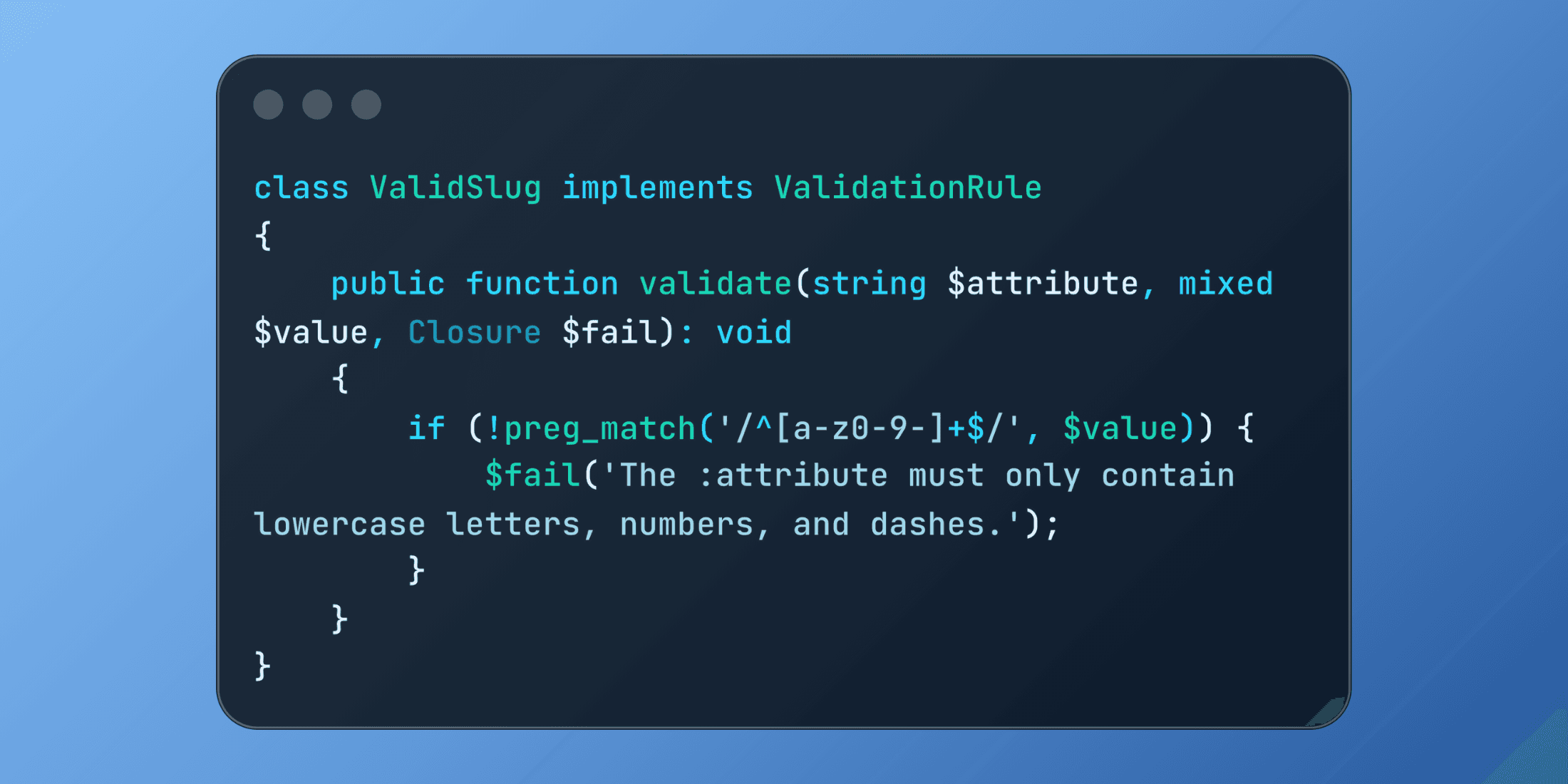
php artisan make:rule ValidSlugThis creates a class that implements the ValidationRule contract. For example, to validate URL slugs:
namespace App\Rules;

use Closure;
use Illuminate\Contracts\Validation\ValidationRule;

class ValidSlug implements ValidationRule
{
    public function validate(string $attribute, mixed $value, Closure $fail): void
    {
        if (!preg_match('/^[a-z0-9-]+$/', $value)) {
            $fail('The :attribute must only contain lowercase letters, numbers, and dashes.');
        }
    }
}
Applying Custom Rules
Using a custom rule looks just like applying a built-in rule:
use App\Rules\ValidSlug;

$request->validate([
    'slug' => ['required', new ValidSlug],
    'title' => ['required', 'string', 'max:255'],
]);
Example: Category Codes
Suppose you’re working on a blog where categories have fixed codes. You can enforce a format with a rule:
namespace App\Rules;

use Closure;
use Illuminate\Contracts\Validation\ValidationRule;

class CategoryCode implements ValidationRule
{
    public function validate(string $attribute, mixed $value, Closure $fail): void
    {
        if (strlen($value) !== 3 || !ctype_alnum($value)) {
            $fail('The :attribute must be exactly 3 alphanumeric characters.');
        }
    }
}
Usage:
$request->validate([
    'name' => ['required', 'string', 'max:100'],
    'code' => ['required', new CategoryCode],
    'description' => ['nullable', 'string'],
]);
Parameterized Rules
Sometimes you need flexibility. You can pass arguments to rules when creating them:
namespace App\Rules;

use Closure;
use Illuminate\Contracts\Validation\ValidationRule;

class MinimumWordCount implements ValidationRule
{
    public function __construct(private int $minimumWords)
    {
    }

    public function validate(string $attribute, mixed $value, Closure $fail): void
    {
        $wordCount = str_word_count(strip_tags($value));

        if ($wordCount < $this->minimumWords) {
            $fail("The :attribute must contain at least {$this->minimumWords} words.");
        }
    }
}
Applying it:
$request->validate([
    'title' => ['required', 'string', 'max:200'],
    'content' => ['required', new MinimumWordCount(50)],
    'excerpt' => ['nullable', new MinimumWordCount(10)],
]);
Database-Aware Rules
Rules can also query the database. For example, checking whether an email is unique inside a department:
namespace App\Rules;

use Closure;
use App\Models\User;
use Illuminate\Contracts\Validation\ValidationRule;

class UniqueEmailInDepartment implements ValidationRule
{
    public function __construct(private int $departmentId)
    {
    }

    public function validate(string $attribute, mixed $value, Closure $fail): void
    {
        $exists = User::where('email', $value)
                     ->where('department_id', $this->departmentId)
                     ->exists();

        if ($exists) {
            $fail('This email address is already registered in your department.');
        }
    }
}
Testing Custom Rules
Since each rule is encapsulated in its own class, testing is straightforward:
class ValidSlugTest extends TestCase
{
    public function test_accepts_valid_slugs()
    {
        $rule = new ValidSlug;
        $failed = false;

        $rule->validate('slug', 'my-blog-post', function() use (&$failed) {
            $failed = true;
        });

        $this->assertFalse($failed);
    }

    public function test_rejects_invalid_slugs()
    {
        $rule = new ValidSlug;
        $failed = false;

        $rule->validate('slug', 'My Blog Post!', function() use (&$failed) {
            $failed = true;
        });

        $this->assertTrue($failed);
    }
}
Why Use Custom Rules?
Keeps controllers cleaner – no cluttered inline validation logic.
Encourages reuse – the same rule can be applied in multiple requests.
Easy to test – each rule has its own dedicated logic.
Great for complex business rules – especially when database queries are involved.