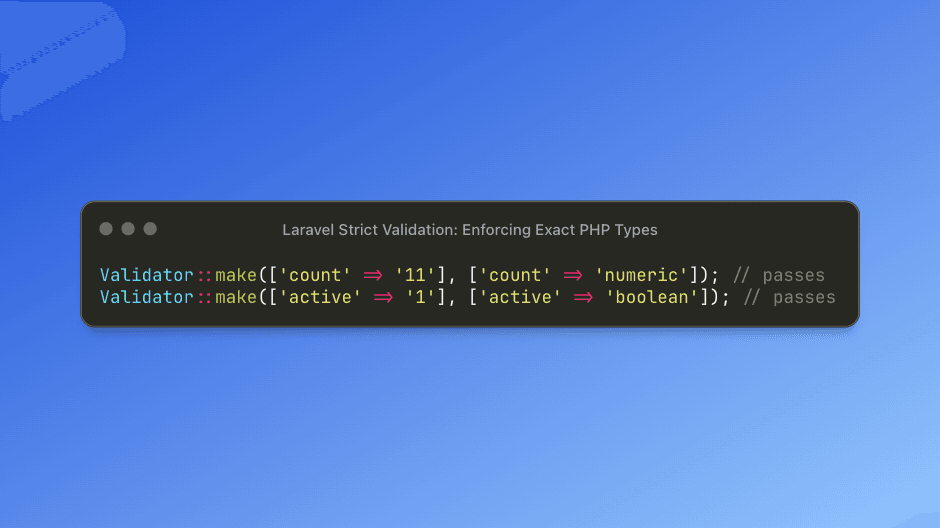
PHP’s loose type system often allows values like "1" or "11" to pass as valid booleans or integers due to automatic type juggling. Laravel’s strict validation mode solves this by enforcing true, exact PHP types instead of accepting type-coerced values.
Why Strict Validation Matters
Laravel’s default validation rules—numeric, integer, boolean—will consider string representations valid:
Validator::make(['count' => '11'], ['count' => 'numeric']); // passes
Validator::make(['active' => '1'], ['active' => 'boolean']); // passes
Both succeed even though "11" and "1" are strings, not real numeric or boolean values.
In strict mode, this behavior changes completely.
Enforcing Exact Types With :strict
Appending :strict to numeric, integer, or boolean validation rules ensures the incoming value matches the expected PHP type precisely.
use Illuminate\Support\Facades\Validator;

// numeric strict
Validator::make(['count' => '11'], ['count' => 'numeric:strict']); // fails
Validator::make(['count' => 11], ['count' => 'numeric:strict']);   // passes

// boolean strict
Validator::make(['active' => '1'], ['active' => 'boolean:strict']); // fails
Validator::make(['active' => true], ['active' => 'boolean:strict']); // passes

// integer strict
Validator::make(['age' => '25'], ['age' => 'integer:strict']); // fails
Validator::make(['age' => 25], ['age' => 'integer:strict']);   // passes
Strict mode eliminates ambiguity and ensures your logic receives data in the correct format.
Real-World Example: API Settings Updates
Strict validation is especially helpful for APIs that accept configuration or system-level data where types matter.
public function updateSettings(Request $request)
{
    $validator = Validator::make($request->all(), [
        'notifications_enabled' => 'boolean:strict',
        'items_per_page'        => 'integer:strict',
        'refresh_rate'          => 'numeric:strict',
    ]);

    if ($validator->fails()) {
        return response()->json(['errors' => $validator->errors()], 422);
    }

    $settings = $validator->validated();

    if ($settings['notifications_enabled'] === true) {
        $this->enableNotifications();
    }
}
Without strict validation, a JSON payload like:
{
  "notifications_enabled": "1",
  "items_per_page": "25"
}
would incorrectly pass validation, potentially causing subtle bugs deeper inside the application.
How Laravel Behaves in Strict Mode
Here’s a breakdown of how values are treated when strict rules are applied:
Numeric (strict)
Validator::make(['foo' => '1'], ['foo' => 'numeric:strict']); // fails
Validator::make(['foo' => 1],   ['foo' => 'numeric:strict']); // passes
Validator::make(['foo' => 1.5], ['foo' => 'numeric:strict']); // passes
Boolean (strict)
Validator::make(['active' => true],  ['active' => 'boolean:strict']); // passes
Validator::make(['active' => false], ['active' => 'boolean:strict']); // passes
Validator::make(['active' => 1],     ['active' => 'boolean:strict']); // fails
Integer (strict)
Validator::make(['count' => 42],  ['count' => 'integer:strict']); // passes
Validator::make(['count' => '42'], ['count' => 'integer:strict']); // fails