Every developer who has built an API eventually faces the versioning dilemma. You start with a clean set of REST endpoints. Six months later, your frontend team needs the user profile response format changed, but your mobile app client running v1.4 can't be updated for two weeks due to app store review delays. You need to support both formats simultaneously without turning your codebase into a mess of if ($version === 'v2') statements.
The standard answer in most Laravel tutorials is URI prefixing: sticking /api/v1/ and /api/v2/ in front of your routes. It looks clean in documentation, but it breaks down quickly in production. If you have 50 API endpoints and only two changed between version 1 and version 2, URI prefixing forces you into a bad choice. You either duplicate 48 unchanged controllers and routes across folder structures, or you map v2 URIs back to v1 controllers, creating a web of route aliases that nobody can trace. URIs are meant to identify resources, not the schema representation format of those resources.
Header versioning solves this by keeping your URIs stable—/api/users/42 remains /api/users/42 forever. The client communicates its target schema version through request headers, such as X-Api-Version: 2026-03-01 or custom vendor media types like Accept: application/vnd.app.v2+json. Let's look at how to implement header-based versioning in Laravel 12 on PHP 8.3 without creating maintenance debt.
Implementing Header Versioning Middleware in Laravel 12
In Laravel 12, application configuration takes place in bootstrap/app.php rather than old kernel classes. We can create a middleware that inspects incoming headers, validates the requested API version against supported versions, and sets the resolved version on the request context so downstream controllers and resources can read it.
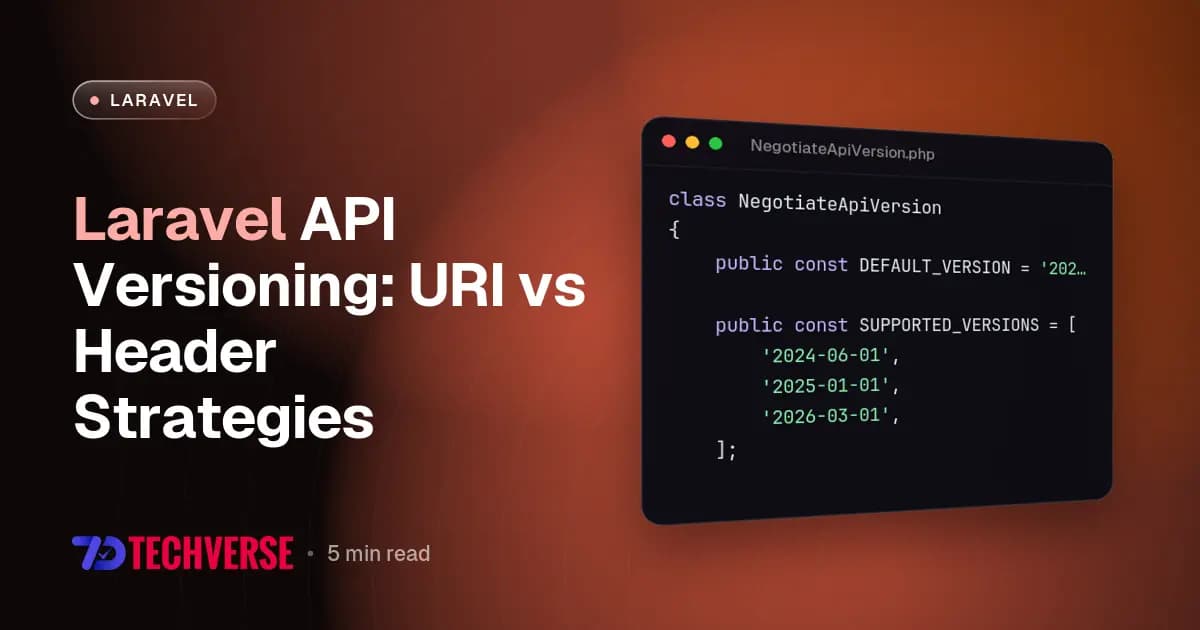
Here is a complete middleware implementation that handles version negotiation, fallback defaults, and sets the required Vary header on HTTP responses:
<?php

namespace App\Http\Middleware;

use Closure;
use Illuminate\Http\Request;
use Symfony\Component\HttpFoundation\Response;

class NegotiateApiVersion
{
    public const DEFAULT_VERSION = '2025-01-01';

    public const SUPPORTED_VERSIONS = [
        '2024-06-01',
        '2025-01-01',
        '2026-03-01',
    ];

    public function handle(Request $request, Closure $next): Response
    {
        $requestedVersion = $request->header('X-Api-Version')
            ?? $this->parseAcceptHeader($request->header('Accept'))
            ?? self::DEFAULT_VERSION;

        if (! in_array($requestedVersion, self::SUPPORTED_VERSIONS, true)) {
            return response()->json([
                'error' => 'Unsupported API version requested.',
                'requested_version' => $requestedVersion,
                'supported_versions' => self::SUPPORTED_VERSIONS,
            ], 400);
        }

        $request->attributes->set('api_version', $requestedVersion);

        /** @var Response $response */
        $response = $next($request);
        $response->headers->set('Vary', 'X-Api-Version', false);
        $response->headers->set('X-Api-Version', $requestedVersion);

        return $response;
    }

    private function parseAcceptHeader(?string $accept): ?string
    {
        if (!$accept || !preg_match('/application\/vnd\.app\.v([0-9]{4}-[0-9]{2}-[0-9]{2})\+json/', $accept, $matches)) {
            return null;
        }

        return $matches[1];
    }
}
You register this middleware in bootstrap/app.php using the modern Laravel 12 middleware builder pattern:
use App\Http\Middleware\NegotiateApiVersion;

return Application::configure(basePath: dirname(__DIR__))
    ->withRouting(
        api: __DIR__.'/../routes/api.php',
        commands: __DIR__.'/../routes/console.php',
        health: '/up',
    )
    ->withMiddleware(function (Middleware $middleware) {
        $middleware->api(append: [
            NegotiateApiVersion::class,
        ]);
    })
    ->create();
Notice the setting of the Vary: X-Api-Version header in the middleware response. This detail is frequently forgotten in production. If you put Cloudflare or Fastly in front of your Laravel API, omitting the Vary header will cause the CDN to serve cached responses for version 2024-06-01 to clients that requested version 2026-03-01, causing obscure bugs that only happen in live environments.
Preventing Code Duplication in API Resources
The main challenge with API versioning isn't matching headers; it's how you structure your Eloquent JSON resources without writing identical code across multiple classes. A naive approach creates V1/UserResource.php, V2/UserResource.php, and V3/UserResource.php. Within six months, you're fixing bug reports in three places every time you add an attribute to a model.
Instead of copying entire resource classes, build your resources using version-aware transformations. Use PHP 8.3 match expressions inside your resource's toArray() method, or apply mutation steps to a baseline array representation.
Here is how to maintain a single resource class that handles version transformation cleanly:
<?php

namespace App\Http\Resources;

use Illuminate\Http\Request;
use Illuminate\Http\Resources\Json\JsonResource;

class UserResource extends JsonResource
{
    public function toArray(Request $request): array
    {
        $version = $request->attributes->get('api_version', '2025-01-01');

        $base = [
            'id' => $this->id,
            'email' => $this->email,
            'created_at' => $this->created_at->toIso8601String(),
        ];

        return match ($version) {
            '2024-06-01' => array_merge($base, [
                'full_name' => $this->first_name . ' ' . $this->last_name,
                'is_active' => (bool) $this->active,
            ]),
            '2025-01-01' => array_merge($base, [
                'name' => [
                    'first' => $this->first_name,
                    'last' => $this->last_name,
                ],
                'status' => $this->active ? 'active' : 'suspended',
            ]),
            '2026-03-01' => array_merge($base, [
                'name' => [
                    'first' => $this->first_name,
                    'last' => $this->last_name,
                ],
                'status' => $this->active ? 'active' : 'suspended',
                'avatar_url' => $this->avatar_path ? storage_path($this->avatar_path) : null,
                'locale' => $this->preferred_locale ?? 'en-US',
            ]),
            default => $base,
        };
    }
}
When changes become too complex for a single match block, abstract the mutations into pipeline classes. The core response structure stays in the resource, and dedicated transform passes add or drop fields based on the requested version integer or date identifier. This keeps your business logic in controllers untouched while isolating schema differences strictly at the response boundary.
Consuming Versioned APIs in Next.js 16 and React 19
On the client side, building web applications with Next.js 16 and React 19 requires consistent API communication across Server Components and Client Components. If your backend uses header-based versioning, your frontend fetch client needs to include that version header on every outbound request automatically.
Create a centralized fetch wrapper in your Next.js project to enforce version headers and handle cache keys correctly:
// lib/api-client.ts
const API_BASE_URL = process.env.NEXT_PUBLIC_API_URL || 'https://api.example.com';
const CURRENT_API_VERSION = '2026-03-01';

interface FetchOptions extends RequestInit {
  version?: string;
}

export async function apiFetch<T>(endpoint: string, options: FetchOptions = {}): Promise<T> {
  const { version = CURRENT_API_VERSION, headers, ...restOptions } = options;

  const res = await fetch(`${API_BASE_URL}${endpoint}`, {
    ...restOptions,
    headers: {
      'Content-Type': 'application/json',
      'Accept': 'application/json',
      'X-Api-Version': version,
      ...headers,
    },
  });

  if (!res.ok) {
    const errorData = await res.json().catch(() => ({}));
    throw new Error(errorData.error || `API request failed with status ${res.status}`);
  }

  return res.json() as Promise<T>;
}
Because Next.js 16 caches fetch calls aggressively by default in Server Components, using header versioning interacts with Next.js internal caching mechanisms. When you pass X-Api-Version in the request headers, Next.js incorporates header values into its fetch cache key hash automatically. That means calling apiFetch('/users/42', { version: '2024-06-01' }) and apiFetch('/users/42', { version: '2026-03-01' }) inside React 19 Server Components will yield distinct cache entries, avoiding cross-version data contamination.
Choosing the Right Approach for Your Stack
URI versioning isn't completely useless. If you are building public APIs consumed by thousands of third-party developers who use cURL or basic HTTP tools without custom header configurations, URI versioning like /api/v1 is easier for external users to explore in a web browser. But for internal applications, mobile apps, or SaaS products where you control both the server and client applications, header-based API versioning in Laravel provides far cleaner controller code, avoids route file bloat, and keeps resource URLs canonical.
When you adopt header versioning, set a strict deprecation timeline. Don't support old version strings indefinitely. Return a Sunset HTTP header (RFC 8594) on responses for older versions to inform API consumers when an old API schema version will be retired. Combined with explicit middleware negotiation in Laravel 12 and typed client SDKs in React 19, your API can evolve continuously without breaking existing integrations.