Production Supervisor Configuration for Horizon
Running Horizon manually via php artisan horizon works fine in local development, but production requires a system daemon to keep the master process alive. Supervisor fills this role on Linux hosts. Here is a production-grade configuration for Ubuntu servers running PHP 8.3 and Laravel 12.
[program:horizon]Translate
process_name=%(program_name)s
command=php /var/www/app/artisan horizon
autostart=true
anotautorestart=true
user=www-data
redirect_stderr=true
stdout_logfile=/var/www/app/storage/logs/horizon.log
stopwaitsecs=3600
Pay close attention to stopwaitsecs=3600. That single directive stops Supervisor from abruptly sending SIGKILL to your background processes during deployments or restarts. If a worker is 4 minutes into generating a PDF export or running a batch database migration, killing it mid-flight creates orphaned records or corrupt state. Giving Horizon an hour to drain active jobs ensures clean process termination.
Understanding Horizon Balancing Strategies
Horizon offers three process balancing options: auto, simple, and false. Picking the wrong strategy wastes CPU cycles or leaves high-priority queues starving during traffic spikes.
Auto Balancing
The auto algorithm shifts worker processes dynamically based on queue workload. If your notifications queue suddenly gets slammed with 20,000 pending items, Horizon temporarily reassigns processes from quiet queues like exports to absorb the burst.
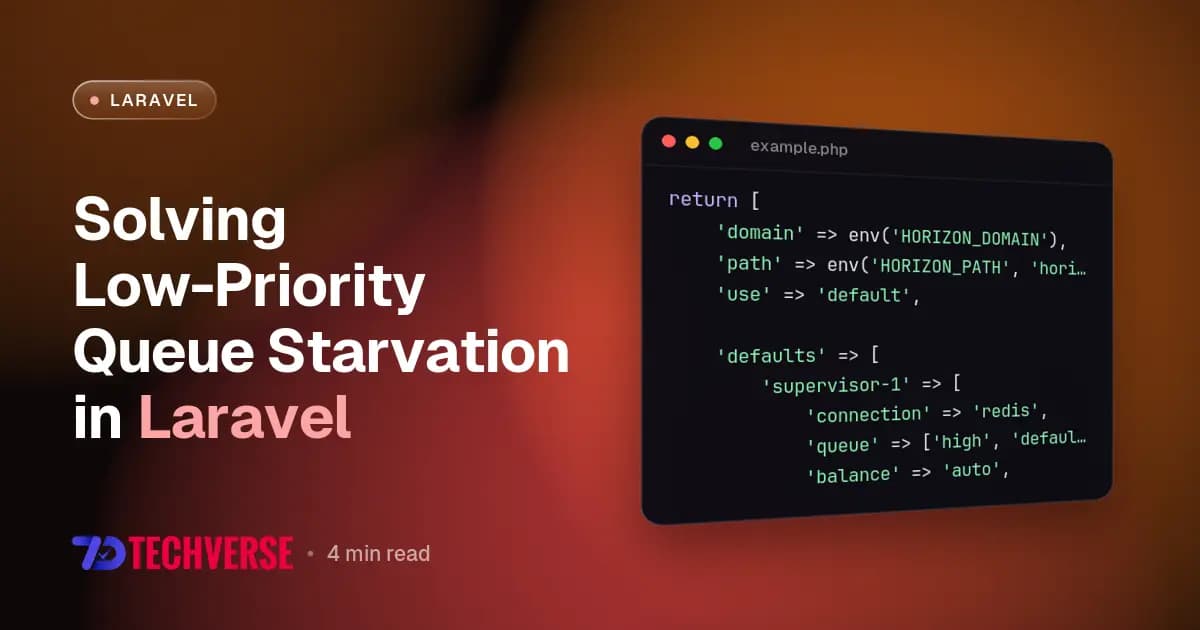
'defaults' => [
    'supervisor-1' => [
        'connection' => 'redis',
        'queue' => ['default', 'notifications', 'exports'],
        'balance' => 'auto',
        'autoScalingStrategy' => 'time',
        'minProcesses' => 2,
        'maxProcesses' => 20,
        'balanceMaxShift' => 3,
        'balanceCooldown' => 3,
        'tries' => 3,
        'timeout' => 90,
    ],
],
In Laravel 12 on PHP 8.3, setting autoScalingStrategy to time balances workers based on total wait time rather than sheer job count. This distinction matters. Processing 50 heavy image optimization jobs shouldn't be treated the same as 50 lightweight webhook dispatches. Wait-time balancing keeps user-facing queues fast.
Simple vs False Balancing
The simple option divides configured worker processes evenly across all assigned queues. If you assign 9 processes across 3 queues, each queue gets exactly 3 processes. The false option spins up workers strictly in the order queues are listed, assigning full capacity to the first entry before moving down.
For predictable workloads, simple eliminates the CPU overhead of Horizon querying Redis metrics every few seconds. Use auto for unpredictable web applications and simple for steady background workers.
Metrics That Actually Matter
The Horizon dashboard looks great, but staring at green checkmarks won't save your database when a worker leaks memory. You need to focus on four specific laravel horizon monitoring metrics.
1. Queue Wait Time
Queue wait time measures how long a job waits in Redis before a worker picks it up. High runtime isn't inherently bad if a job handles complex work, but high wait time means your infrastructure lacks capacity. Keep wait times under 200ms for time-sensitive tasks like sending password reset emails.
2. Worker Memory Consumption
PHP CLI processes accumulate memory over time, especially when hydrating thousands of Eloquent models during batch operations. Horizon handles worker degradation by recycling processes when they cross memory thresholds. In config/horizon.php, define strict limits:
'memory_limit' => 128,If your Horizon dashboard shows workers restarting constantly, don't just bump the limit to 512MB. Fix the memory leak in your code. Swap out large Eloquent collection fetches for LazyCollection or chunkById() inside your job's handle() method.
3. Snapshot Data and Alerts
Horizon aggregates historical metrics using snapshots. Run the snapshot command every minute inside routes/console.php using Laravel 12 schedule definitions:
use Illuminate\Support\Facades\Schedule;

Schedule::command('horizon:snapshot')->everyMinute();
Without this scheduler entry, your metrics dashboard won't display wait-time trends or throughput statistics over 24-hour periods.
Gotchas and Production Caveats
Here are two issues that catch teams moving to Horizon for high-volume background processing.
Redis Memory Exhaustion
Horizon logs job metrics, completed job IDs, and failure details directly in Redis. On sites processing hundreds of thousands of daily jobs, Redis memory usage explodes quickly if left unchecked. You must configure strict trim limits inside config/horizon.php:
'trim' => [
    'recent' => 60,
    'pending' => 60,
    'completed' => 60,
    'recent_failed' => 10080,
    'failed' => 10080,
    'monitored' => 10080,
],
Dropping completed retention from 7 days down to 60 minutes reduced our Redis RAM usage from 1.4GB down to roughly 40MB without losing any failure data. You only need long retention windows for failed job troubleshooting.
Static State Leakage
Because Horizon keeps long-lived PHP worker processes running in memory across multiple job executions, static properties and singletons persist between jobs. If you store user context inside a static property, job B might inadvertently read user data left over from job A. Always clear static variables or register reset hooks in long-lived workers.