Backing up files on a Linux server doesn't require complex proprietary tools. Most production environments run fine on a combination of rsync and cron. The problem isn't moving the files. The real challenge is keeping historical snapshots without filling up your disk space, pushing those copies to a remote destination, and actually knowing if your restores work when an incident hits.
If you copy every file from scratch each night, you waste network bandwidth and disk space. Hard link trees solve this problem by creating incremental backups that look like full directories to you, but share unchanged files on the block level. When you run rsync with the --link-dest flag, it compares the current source against your most recent backup. Unchanged files get hard-linked instead of copied again. You get full weekly or daily directories while paying storage costs only for the bytes that actually changed.
It's easy to assume that storage is cheap until you run out of inodes on a heavily fragmented file system. That's why you can't just dump everything into a single directory and forget about it. You need a structured approach to naming directories by timestamps so that your retention scripts can target old folders accurately.
Building the Backup Script
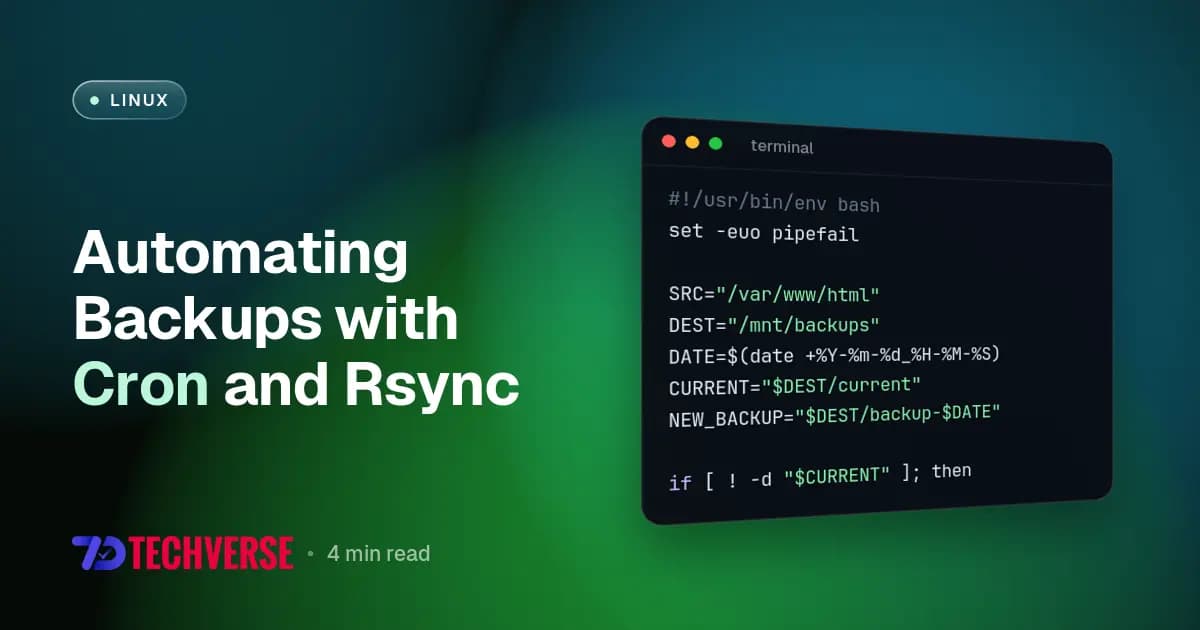
Writing a bash script to handle this takes a few specific flags to preserve permissions, handle deletions safely, and log output. Put this file at /usr/local/bin/server-backup.sh and make it executable with chmod +x.
#!/usr/bin/env bash
set -euo pipefail

SRC="/var/www/html"
DEST="/mnt/backups"
DATE=$(date +%Y-%m-%d_%H-%M-%S)
CURRENT="$DEST/current"
NEW_BACKUP="$DEST/backup-$DATE"

if [ ! -d "$CURRENT" ]; then
    rsync -aAX --delete "$SRC/" "$NEW_BACKUP"
else
    rsync -aAX --delete --link-dest="$CURRENT" "$SRC/" "$NEW_BACKUP"
fi

rm -rf "$CURRENT"
ln -s "$NEW_BACKUP" "$CURRENT"

find "$DEST" -maxdepth 1 -type d -name "backup-*" -mtime +30 -exec rm -rf {} +
That find command at the end is your retention policy. It drops any snapshot older than thirty days. You'll want to adjust that number based on your disk capacity and compliance needs. Notice the -aAX flags on rsync. The archive flag keeps recursive structures, timestamps, and ownership intact, while the extra uppercase flags preserve extended attributes and ACLs. Missing those means your file permissions break on restore.
You shouldn't ignore standard error streams either. If something goes wrong halfway through the transfer, you'll need to know which directory failed to sync. It's frustrating to debug a silent failure at three in the morning because you didn't capture the exit code of your transfer tool.
Scheduling and Offsite Copies
Manual execution defeats the point. Open your crontab using crontab -e and schedule the backup to run during low-traffic windows. Direct the output to a log file so you can spot silent failures before they burn you. Here's how you hook it into the system scheduler:
0 2 * * * /usr/local/bin/server-backup.sh >> /var/log/server-backup.log 2>&1
Local backups protect against accidental file deletions, but they die with the hardware if a drive controller fries or a data center loses power. You need an offsite copy. Instead of complicating the local script, run a separate synchronization step to push your latest snapshot to a remote object storage bucket or a secondary VPS over SSH.
rsync -avz -e "ssh -p 2200" /mnt/backups/current/ user@backup.remote.server:/var/remote-backups/current/
Make sure you use key-based authentication with your SSH connection. Password prompts will block cron jobs indefinitely, leaving your backups hanging until the process times out. Don't rely on interactive prompts when automating critical infrastructure tasks.
Network interruptions happen, so you'll want to wrap your remote sync commands in retry logic or monitor the exit statuses closely. If you manage network appliances or specific enterprise services alongside your web applications, you might also need to check out guides like Installing FreeSWITCH 1.10.X on Ubuntu 18.04 | 20.04 | 22.04 LTS to ensure your configuration directories include all necessary telephony assets and core certificates. Missing a single TLS key or audio directory during a restore ruins an entire migration.
Verifying Your Restores
A backup you haven't restored is just a file you hope works. People skip verification because extracting gigabytes to production causes downtime. Set up a staging environment or a local virtual machine where you pull down your latest snapshot once a month. Run a script that extracts the database dump, verifies file integrity, and spins up the application stack to confirm configuration files parse correctly.
Check your backup logs regularly. If rsync exits with code 23, it means partial transfer due to permission errors. Code 24 means some files vanished while the transfer was running. Code 24 is usually harmless on active web roots, but code 23 demands immediate attention.
You'll sleep better at night knowing your data recovery path is tested and documented. Don't wait for a hardware failure to find out your restore command has a syntax error or a missing path argument.