You're building a modern web application. Your terminal suddenly lights up with a cryptic stack trace about passing functions or class instances across the network boundary. Server Components execute on the server. They need to serialize their render output into a specialized stream that the client runtime can understand. If you try to pass something that can't be expressed as plain JSON or specific supported binary formats, the entire render pass halts with a jarring error. Understanding the boundaries of this transport layer saves hours of debugging.
When you encounter a react server components serialization error, the root cause is almost always an accidental inclusion of class methods, database connection objects, context providers, or raw functions inside the props passed from a server boundary down to a client boundary. React serializes these props using a specialized JSON-like wire format. It doesn't know how to handle arbitrary JavaScript objects that contain executable code or internal native handles. Your server-side code has access to rich domain models with behavior attached to them. The client doesn't run that code. It just receives the payload, so sending methods over the wire is useless.
Anatomy of a Failed Network Boundary
Consider a standard data-fetching pattern. You pull a user record directly from an ORM or database driver inside your server code. You might be tempted to pass that raw model instance straight into a client component because it has convenient helper methods attached to it. That convenience breaks down immediately during serialization. The framework's internal serializer hits a function or a hidden prototype property it can't serialize. It throws an exception right in your server logs.
import { UserProfile } from "@/components/UserProfile";
import { db } from "@/lib/database";

export default async function Page() {
  const user = await db.users.findFirst();

  return <UserProfile user={user} />;
}
If the db.users.findFirst() call returns an object with methods like user.save() or internal connection properties, the serialization step throws an error. The runtime complains because functions and non-plain objects can't cross the server-client boundary. You need to map the database record to a plain JavaScript object containing only primitive values before handing it off to any component marked with 'use client'. It's tedious.
Let's look at another vector for this bug: third-party utility libraries. If you pull in a helper that decorates objects with custom prototype chains or getters that execute queries lazily, passing that object through props will crash your render pass. You'll stare at stack traces pointing deep into internal framework rendering loops, wondering why a simple prop assignment broke the page. The error message rarely names the exact offending property.
Mapping Data Correctly Across the Boundary
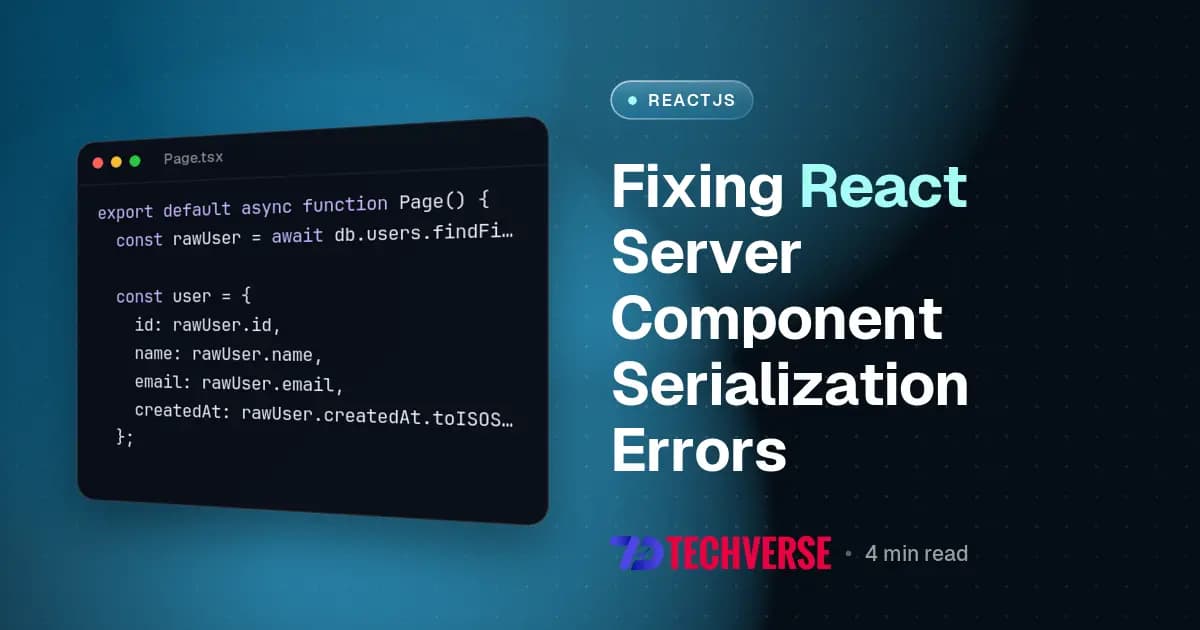
The fix requires explicit mapping. Instead of passing the raw entity, construct a plain object or an interface that strips out methods and non-serializable properties. This practice also forces you to be deliberate about what data actually leaves the server. You don't want sensitive columns leaking to the client anyway, so this pattern doubles as a security safeguard.
import { UserProfile } from "@/components/UserProfile";
import { db } from "@/lib/database";

export default async function Page() {
  const rawUser = await db.users.findFirst();

  const user = {
    id: rawUser.id,
    name: rawUser.name,
    email: rawUser.email,
    createdAt: rawUser.createdAt.toISOString(),
  };

  return <UserProfile user={user} />;
}
Notice how dates are converted to strings. While Date objects are technically serializable by the React wire protocol, converting them to ISO strings or timestamps prevents subtle hydration mismatches later. If you run into related state synchronization issues when users submit data back, you might want to look at React Form State with Server Actions for handling mutations safely. You'll find that keeping your data shapes flat and predictable eliminates most rendering anomalies.
When your data structures grow nested and complex, writing manual mapping functions everywhere gets old fast. You might consider writing small mapper utilities or validation schemas that sanitize payloads at the boundary. Don't reach for heavy ORM mappers that re-introduce class instances. Stick to simple object literals or typed interfaces that guarantee plain data structures. When building complex user interfaces that require deep state management, keeping your state logic cleanly separated helps avoid these architectural clashes. You can read more about state placement strategies in React State Colocation: Where State Should Live to keep your component boundaries clear.
Handling Callbacks and Event Handlers
Another common trigger for these errors is attempting to pass a callback function directly from a server component down to a client component as a prop. Server components can't pass closures or functions to client children because functions can't be serialized across a network request. The client doesn't share the server's heap memory, so a function reference points to nothing valid on the receiving side.
If a client component needs to trigger server-side logic, you must pass a Server Action or handle the interaction through form actions and endpoint calls. Don't try to wire up custom event handler props on the server side of a client boundary. You'll get an immediate type error or a runtime crash depending on how you structure your TypeScript definitions. Server Actions can be passed safely to client components because they compile down to stable RPC identifiers rather than raw function closures.
Sometimes developers try to wrap callbacks in objects or arrays to sneak them past the serializer. The React runtime inspects nested properties recursively and will still catch the function reference, throwing the exact same serialization failure. You can't outsmart the boundary check with clever data structures. If you need behavior on the client, implement it using client-side event handlers or dispatch actions that call back to server endpoints explicitly. Getting this right means your application architecture stays clean, modular, and resilient against unexpected network payload crashes.