Introduction
When building modern web applications, displaying timestamps like 2026-05-01 14:32:11 isn’t user-friendly. Users prefer natural language such as:
“3 hours ago”
“5 minutes ago”
“just now”
Laravel solves this problem beautifully using Carbon’s diffForHumans() method.
In this guide, you’ll learn how to use and customize diffForHumans() for better UX and cleaner UI.
What is diffForHumans() in Laravel?
diffForHumans() is a method provided by Carbon (Laravel’s default date library) that converts timestamps into human-readable format.
Basic Example
$post->created_at->diffForHumans();Output
3 hours agoThis is the simplest way to improve readability in your Laravel application.
Customize Time Output with Parts
By default, Laravel shows only one time unit. You can increase detail using the parts option.
$post->created_at->diffForHumans([
    'parts' => 2,
]);
Output
3 hours 12 minutes ago👉 This is useful for blogs, dashboards, and analytics tools.
Advanced Formatting with Join
To make timestamps more visually appealing:
$post->created_at->diffForHumans([
    'parts' => 3,
    'join' => ' • ',
]);
Output
3 hours • 12 minutes • 45 seconds ago👉 Perfect for activity feeds and modern UI designs.
Short Format for Better UX
For compact layouts (mobile, notifications):
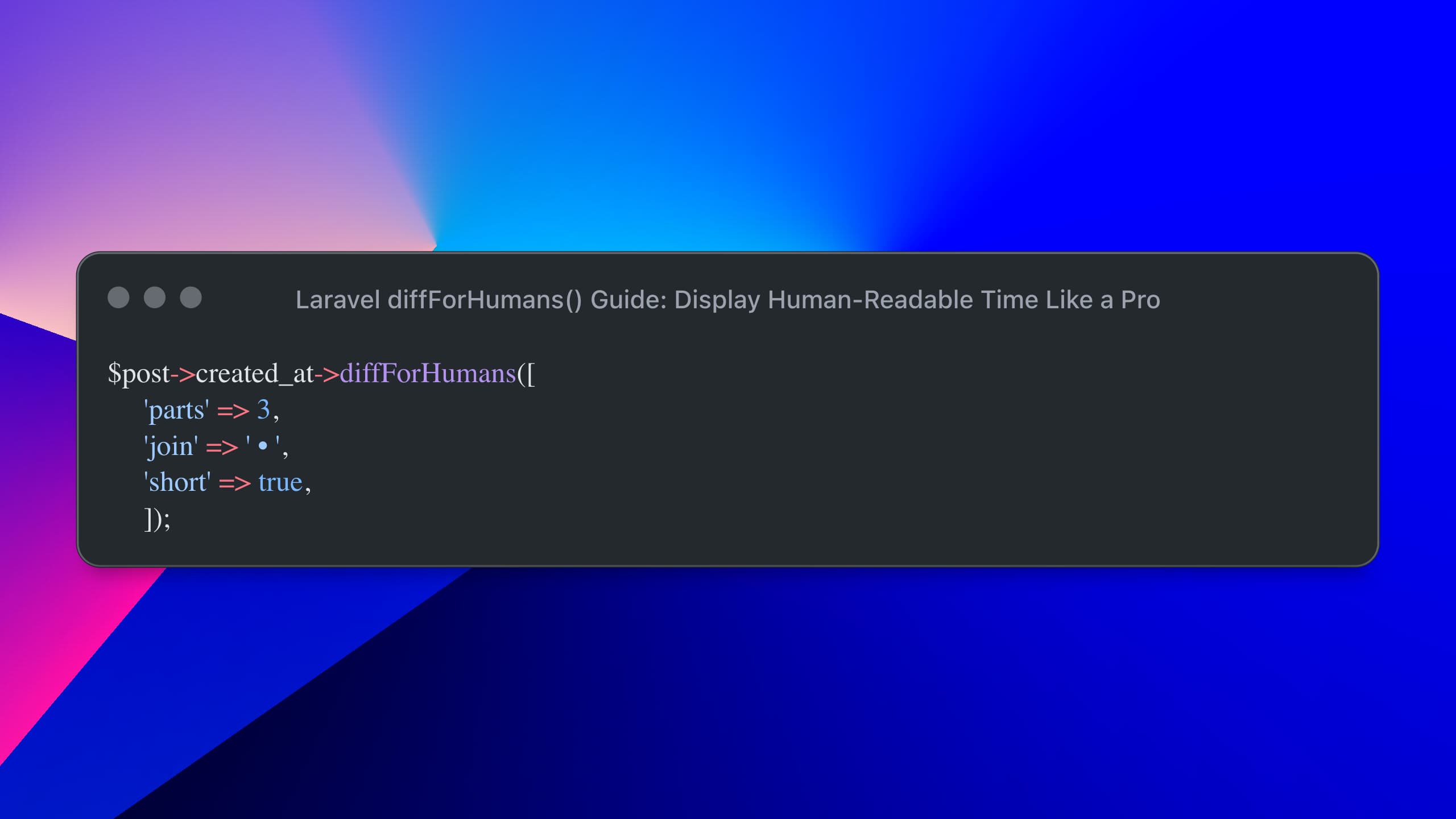
$post->created_at->diffForHumans([
    'parts' => 3,
    'join' => ' • ',
    'short' => true,
]);
Output
3h • 12m • 45s ago👉 This improves readability on smaller screens.
Best Practice: Use a Model Accessor
Avoid repeating logic across views by creating an accessor:
public function getHumanTimeAttribute()
{
    return $this->created_at->diffForHumans([
        'parts' => 2,
        'short' => true,
    ]);
}
Usage in Blade
{{ $post->human_time }}