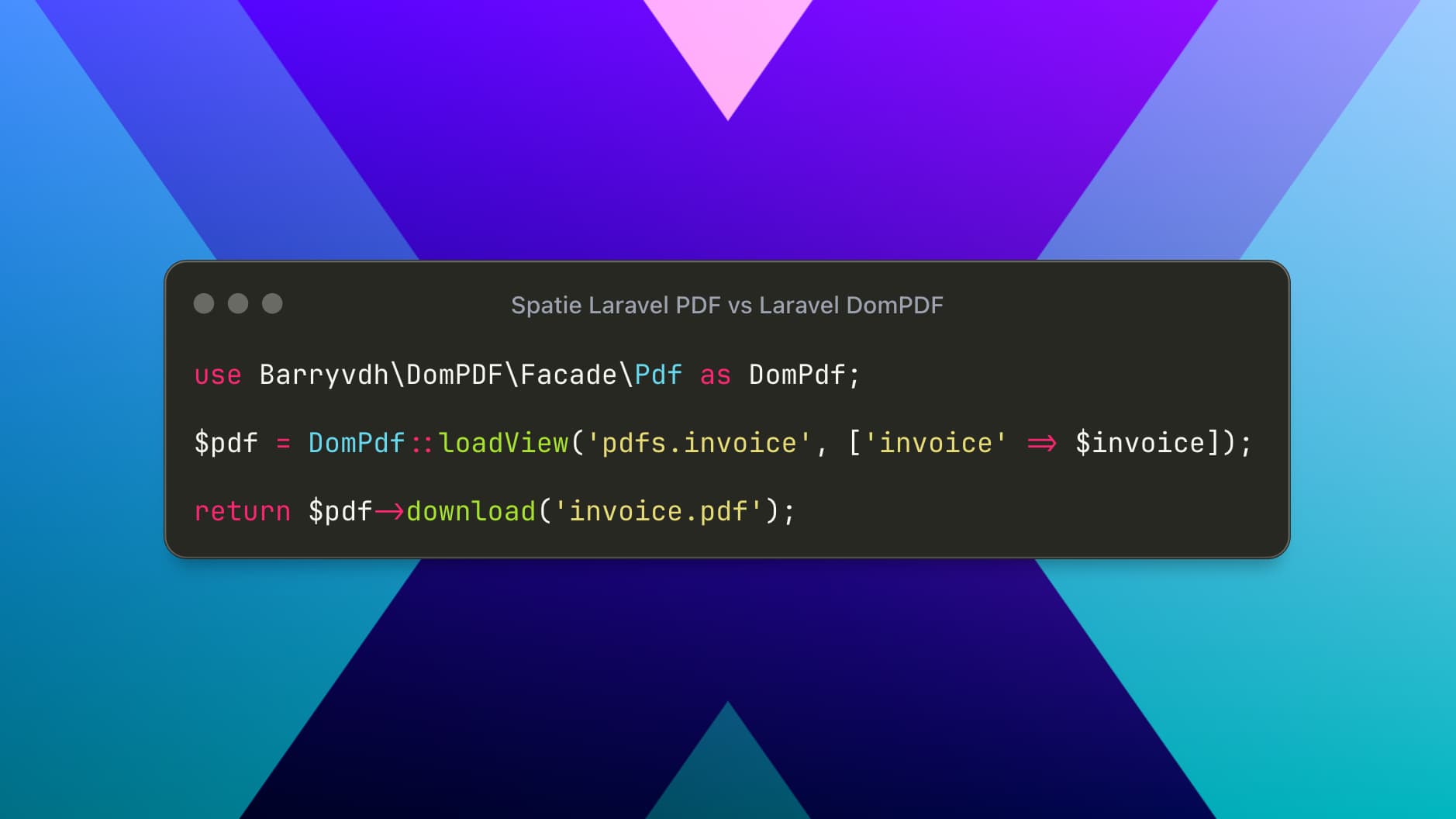
PDF generation is a very common requirement in real-world Laravel applications. Whether you are building invoices, salary slips, reports, certificates, order summaries, or user-exported documents, PDFs remain one of the most reliable formats for downloading, printing, and long-term storage.
Laravel itself does not include native PDF generation support. Instead, developers rely on third-party packages that convert HTML or Blade views into PDF documents. Among the many available options, two packages consistently stand out in the Laravel ecosystem:
Spatie Laravel PDF (modern, browser-based rendering)
Barryvdh Laravel DomPDF (lightweight, PHP-only rendering)
Although both packages aim to solve the same problem, their internal approaches, capabilities, and ideal use cases are very different. This article provides a practical, production-focused comparison with robust code examples to help you choose the right tool for your project.
Spatie Laravel PDF
Modern PDF Generation with Browser-Level Accuracy
Spatie Laravel PDF is a modern package built by the Spatie team, known for producing high-quality Laravel tools. Under the hood, this package renders PDFs using a headless Chromium browser via the Browsershot library.
Instead of approximating HTML rendering like traditional PDF engines, it uses a real browser engine. As a result, the generated PDF looks almost identical to what users see in Chrome.
Why This Matters
Full support for modern CSS (Tailwind, Flexbox, Grid)
Accurate spacing, fonts, shadows, and colors
Reliable rendering of complex layouts
Ideal for branded and visually rich documents
Installation
composer require spatie/laravel-pdfSystem Requirements
Because rendering is browser-based, your server must support:
Node.js
Chromium / Google Chrome
Puppeteer (handled automatically in most cases)
This setup works perfectly on:
VPS servers
Docker environments
Laravel Forge / Vapor
CI/CD pipelines
Basic Usage Example
use Spatie\LaravelPdf\Facades\Pdf;

return Pdf::view('pdf.invoice', [
    'invoice' => $invoice,
    'user' => auth()->user(),
])
    ->format('a4')
    ->download('invoice.pdf');
The view() method accepts a Blade file, just like returning a normal Laravel view.
Advanced Example: Invoice with Tailwind CSS
Blade View (resources/views/pdf/invoice.blade.php)
<!DOCTYPE html>
<html>
<head>
    <meta charset="UTF-8">
    <title>Invoice</title>
    <link href="https://cdn.jsdelivr.net/npm/tailwindcss@3/dist/tailwind.min.css" rel="stylesheet">
</head>
<body class="bg-gray-100 p-10">

<div class="max-w-3xl mx-auto bg-white shadow rounded p-8">
    <div class="flex justify-between mb-6">
        <h1 class="text-2xl font-bold">Invoice #{{ $invoice->number }}</h1>
        <span class="text-gray-600">{{ $invoice->created_at->format('d M Y') }}</span>
    </div>

    <div class="mb-6">
        <p class="font-semibold">Billed To:</p>
        <p>{{ $user->name }}</p>
        <p>{{ $user->email }}</p>
    </div>

    <table class="w-full border-collapse">
        <thead>
            <tr class="bg-gray-200">
                <th class="border p-2 text-left">Item</th>
                <th class="border p-2 text-right">Price</th>
            </tr>
        </thead>
        <tbody>
            @foreach($invoice->items as $item)
                <tr>
                    <td class="border p-2">{{ $item->name }}</td>
                    <td class="border p-2 text-right">{{ number_format($item->price, 2) }}</td>
                </tr>
            @endforeach
        </tbody>
    </table>

    <div class="text-right mt-6">
        <p class="text-lg font-bold">Total: {{ number_format($invoice->total, 2) }}</p>
    </div>
</div>

</body>
</html>
This design will render pixel-perfect in the PDF because Chromium understands Tailwind and modern CSS.
Extra Capabilities
Spatie Laravel PDF supports:
Streaming PDFs in the browser
Saving PDFs to storage
Custom margins and orientation
Headers and footers
Executing JavaScript before rendering
Pdf::view('pdf.report', $data)
    ->orientation('landscape')
    ->margins(10, 10, 20, 10)
    ->save(storage_path('app/reports/report.pdf'));
When to Use Spatie Laravel PDF
Choose this package if:
You use Tailwind CSS or modern frontend tooling
Design accuracy is critical
PDFs must match website UI
You control the server environment
Laravel DomPDF
Lightweight and Dependency-Free PDF Generation
Laravel DomPDF, maintained by Barryvdh, is a long-standing Laravel wrapper around the DomPDF library. Unlike Spatie Laravel PDF, this solution is 100% PHP-based and does not rely on a browser engine.
It converts HTML directly into PDF using PHP, making it extremely easy to install and suitable for limited hosting environments.
Installation
composer require barryvdh/laravel-dompdfNo additional system dependencies are required.
Basic Usage Example
use Barryvdh\DomPDF\Facade\Pdf;

$pdf = Pdf::loadView('pdf.invoice', [
    'invoice' => $invoice,
]);

return $pdf->download('invoice.pdf');
Example: Simple Invoice Layout
<!DOCTYPE html>
<html>
<head>
    <meta charset="UTF-8">
    <title>Invoice</title>
    <style>
        body { font-family: DejaVu Sans, sans-serif; }
        table { width: 100%; border-collapse: collapse; }
        th, td { border: 1px solid #ccc; padding: 8px; }
        th { background: #f4f4f4; }
    </style>
</head>
<body>

<h2>Invoice #{{ $invoice->number }}</h2>
<p>Date: {{ $invoice->created_at->format('d M Y') }}</p>

<table>
    <thead>
        <tr>
            <th>Item</th>
            <th>Price</th>
        </tr>
    </thead>
    <tbody>
        @foreach($invoice->items as $item)
            <tr>
                <td>{{ $item->name }}</td>
                <td>{{ number_format($item->price, 2) }}</td>
            </tr>
        @endforeach
    </tbody>
</table>

<h3 style="text-align:right;">Total: {{ number_format($invoice->total, 2) }}</h3>

</body>
</html>
This approach works reliably for text-heavy and table-based documents.
Limitations of DomPDF
Limited CSS support
No Flexbox or Grid
Tailwind CSS not supported
Complex layouts may break
Despite these limitations, DomPDF remains extremely useful for many backend-driven documents.