Complete guide to Authentication, Authorization, and Role & Privilege Management for Laravel 12
Introduction
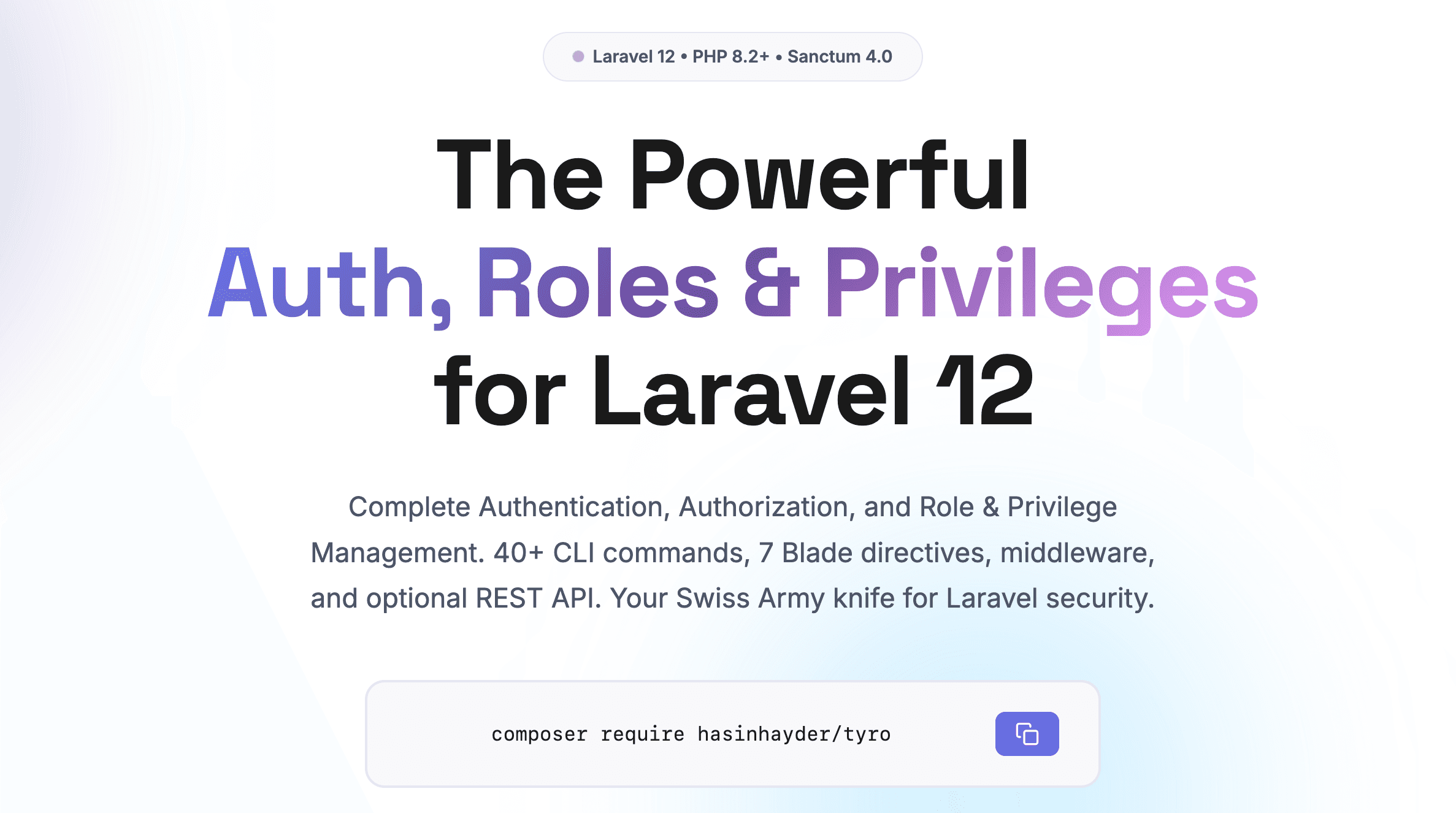
Tyro is the ultimate Authentication, Authorization, and Role & Privilege Management solution for Laravel 12. Think of it as a Swiss Army knife that handles everything from user authentication and role-based access control to user suspension workflows—whether you're building an API, a traditional web application, or both.
With Sanctum integration, 40+ powerful CLI commands, Blade directives, ready-made middleware, and optional REST API endpoints, Tyro saves you weeks of development time while providing enterprise-grade security features.
✓ Works Everywhere: Tyro works seamlessly for APIs, web apps, and hybrid applications. Use the features you need, disable the ones you don't.
Why Choose Tyro?
Tyro isn't just a package; it's a complete auth and access control toolkit. Here is why developers choose Tyro:
Complete Auth System
Full authentication with Sanctum, role-based access control, privileges, and Laravel Gate integration. Works for APIs and web apps.
Secure by Default
Built on standard Laravel security. Assign roles and permissions to users with simple, readable code.
40+ CLI Commands
Manage users, roles, privileges, and tokens from the terminal. Perfect for automation, CI/CD, and incident response.
Grows With You
Start small and scale up without rewriting your core authentication logic. Tyro adapts to your project size.
Blade Directives
Use @hasrole, @hasprivilege, and more in your Blade templates. Clean, readable views without PHP logic clutter.
Optional REST API
Need API endpoints? They're included. Don't need them? Disable with one config flag. Zero lock-in.
Requirements
Before installing Tyro, ensure your environment meets these requirements:
PHP: 8.2 or higher
Laravel: 12.0 or higher
Laravel Sanctum: 4.0 or higher
Database: MySQL, PostgreSQL, SQLite, or SQL Server
Installation
Step 1: Install the Package
Install Tyro via Composer:
composer require hasinhayder/tyroStep 2: Run the Installer
Run the all-in-one installer command:
php artisan tyro:installThis command automatically:
Calls Laravel's
install:apito set up SanctumRuns database migrations
Seeds default roles and privileges
Prepares your User model with required traits
Tip: The installer is idempotent and safe to run multiple times. Use
--forceflag in production environments.
Step 3: Verify Installation
Check that everything is set up correctly:
php artisan tyro:versionQuick Start
After installation, you have a complete authentication and authorization system. Here's what you can do immediately:
1. Login with Default Admin
curl -X POST http://localhost/api/login \
  -H "Accept: application/json" \
  -H "Content-Type: application/json" \
  -d '{"email":"admin@tyro.project","password":"tyro"}'
2. Use the Token
Save the token from the response and use it in subsequent requests:
curl http://localhost/api/me \
  -H "Authorization: Bearer YOUR_TOKEN_HERE"
3. Check Permissions in Code
Use Tyro's intuitive API anywhere in your application:
// Check roles
if ($user->hasRole('admin')) { ... }

// Check privileges
if ($user->can('reports.run')) { ... }

// Get all role slugs
$roles = $user->tyroRoleSlugs(); // ['admin', 'editor']
4. Use Blade Directives
Conditionally render content in your views:
@hasrole('admin')
    <p>Welcome, Admin!</p>
@endhasrole

@hasprivilege('edit-posts')
    <button>Edit Post</button>
@endhasprivilege
5. Protect Routes
Use middleware to protect your routes:
Route::middleware(['auth:sanctum', 'role:admin'])
    ->get('/admin/dashboard', DashboardController::class);
You're Ready! With just 2 commands, you now have complete authentication, authorization, roles, privileges, 7 Blade directives, middleware, and 40+ CLI commands.
Roles & Privileges
Tyro uses a flexible role-privilege system where roles (like "admin", "editor") can have multiple privileges (like "reports.run", "billing.view"). Users are assigned roles and inherit all privileges from those roles.
Working with Privileges
Create and attach privileges to roles:
# Create a new privilege
php artisan tyro:add-privilege reports.run --name="Run Reports"

# Attach it to a role
php artisan tyro:attach-privilege reports.run editor
Authentication
Tyro uses Laravel Sanctum for API authentication. Tokens automatically include all role and privilege slugs as abilities.
Generating Tokens via CLI
# Generate token with password prompt
php artisan tyro:login --user=admin@tyro.project

# Quick token without password (development only)
php artisan tyro:quick-token --user=1
Token Inspection
Inspect what a token contains:
php artisan tyro:meThen paste your token when prompted to see the user and abilities.
Blade Directives
Tyro provides custom Blade directives for checking user roles and privileges directly in your views. All directives automatically return false if no user is authenticated.
@usercan
Checks if the current user has a specific role or privilege (uses the can() method):
@usercan('admin')
    <div class="admin-panel">
        <h2>Admin Dashboard</h2>
        <p>Welcome to the admin area!</p>
    </div>
@endusercan

@usercan('edit-posts')
    <button class="btn btn-primary">Edit Post</button>
@endusercan
@hasrole
Checks if the current user has a specific role:
@hasrole('admin')
    <p>Welcome, Admin!</p>
@endhasrole

@hasrole('editor')
    <a href="/dashboard/editor" class="nav-link">Editor Dashboard</a>
@endhasrole
@hasanyrole
Checks if the current user has any of the provided roles:
@hasanyrole('admin', 'editor', 'moderator')
    <div class="management-tools">
        <h3>Management Tools</h3>
        <p>You have access to management features</p>
    </div>
@endhasanyrole
@hasroles
Checks if the current user has all of the provided roles:
@hasroles('admin', 'super-admin')
    <div class="super-admin-panel">
        <p>You have both admin and super-admin privileges</p>
        <button class="btn-danger">Critical Actions</button>
    </div>
@endhasroles
@hasprivilege
Checks if the current user has a specific privilege:
@hasprivilege('delete-users')
    <button class="btn btn-danger" onclick="deleteUser()">
        Delete User
    </button>
@endhasprivilege

@hasprivilege('view-reports')
    <a href="/reports" class="nav-link">
        <i class="icon-reports"></i> View Reports
    </a>
@endhasprivilege
@hasanyprivilege
Checks if the current user has any of the provided privileges:
@hasanyprivilege('edit-posts', 'delete-posts', 'publish-posts')
    <div class="post-actions">
        <h4>Post Management</h4>
        @hasprivilege('edit-posts')
            <button>Edit</button>
        @endhasprivilege
        @hasprivilege('delete-posts')
            <button>Delete</button>
        @endhasprivilege
    </div>
@endhasanyprivilege
@hasprivileges
Checks if the current user has all of the provided privileges:
@hasprivileges('create-invoices', 'approve-invoices')
    <button class="btn btn-success" onclick="createAndApproveInvoice()">
        Create and Approve Invoice
    </button>
@endhasprivileges

@hasprivileges('view-reports', 'export-reports')
    <div class="reports-section">
        <a href="/reports">View Reports</a>
        <button onclick="exportReport()">Export</button>
    </div>
@endhasprivileges
Combining Directives
You can nest and combine directives for complex authorization logic:
@hasrole('admin')
    <div class="admin-section">
        <h2>Admin Controls</h2>

        @hasprivilege('manage-users')
            <a href="/admin/users">Manage Users</a>
        @endhasprivilege

        @hasanyprivilege('view-reports', 'export-data')
            <a href="/admin/reports">Reports</a>
        @endhasanyprivilege
    </div>
@endhasrole

@hasanyrole('editor', 'author')
    <div class="content-tools">
        @hasprivilege('publish-posts')
            <button>Publish</button>
        @else
            <button disabled>Publish (requires approval)</button>
        @endhasprivilege
    </div>
@endhasanyrole
User Suspension
Tyro includes first-class user suspension support to freeze accounts without deleting them.
Suspending Users
# Via CLI
php artisan tyro:suspend-user --user=user@example.com --reason="Policy violation"

# Via Code
$user->suspend('Policy violation');
Unsuspending Users
# Via CLI
php artisan tyro:unsuspend-user --user=user@example.com

# Via Code
$user->unsuspend();
Checking Suspension Status
if ($user->isSuspended()) {
    $reason = $user->getSuspensionReason();
    return response()->json(['error' => $reason], 423);
}
For More details and info please visit Official Documentation