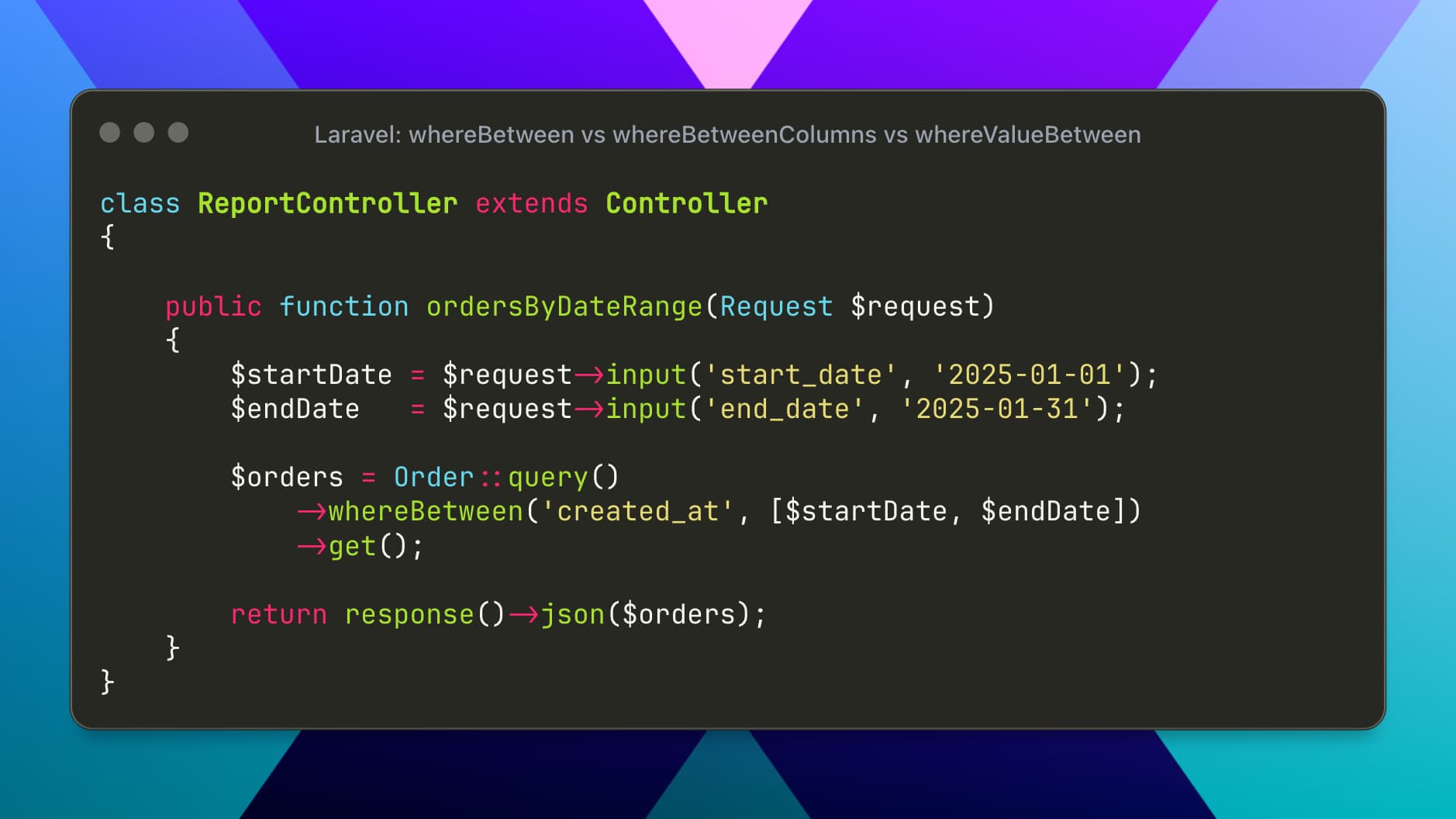
When working with Laravel’s query builder, filtering records based on ranges is a very common requirement—think prices, dates, scores, limits, or thresholds.
Laravel offers three closely related methods for this purpose:
whereBetweenwhereBetweenColumnswhereValueBetween
They look similar, but each one solves a different type of range problem and produces different SQL.
In this post, we’ll explore when to use each method, with real-world examples and their raw SQL equivalents.
1. whereBetween
What it does
Checks whether a column value falls between two fixed (constant) values.
Real-world use case
Filter orders placed within a specific date range, or products within a price range.
Example: Products priced between $500 and $1,500
$products = DB::table('products')
    ->whereBetween('price', [500, 1500])
    ->get();
SQL Translation
select * from `products`
where `price` between 500 and 1500;
When to use it ✅
Comparing one column against two known values
Date ranges, numeric ranges, pagination limits, etc.
This is the most commonly used range method in Laravel.
2. whereBetweenColumns
What it does
Checks whether a column value falls between the values of two other columns in the same row.
Real-world use case
Validate dynamic limits stored in the database, such as salary ranges, allowed scores, or capacity thresholds.
Example: Employees whose salary is within their allowed range
$employees = DB::table('employees')
    ->whereBetweenColumns('salary', ['min_salary', 'max_salary'])
    ->get();
SQL Translation
select * from `employees`
where `salary` between `min_salary` and `max_salary`;
When to use it ✅
When both bounds are columns
Comparing values row-by-row
Business rules stored directly in the database
This is powerful for enforcing dynamic constraints.
3. whereValueBetween
What it does
Checks whether a fixed value falls between two column values.
Real-world use case
Determine whether a specific value (like today’s date, a user’s age, or a requested price) fits within stored limits.
Example: Check if a price of $1,000 fits within a product’s allowed price range
$products = DB::table('products')
    ->whereValueBetween(1000, ['min_price', 'max_price'])
    ->get();
SQL Translation
select * from `products`
where 1000 between `min_price` and `max_price`;
When to use it ✅
Comparing a fixed value against column ranges
Validation-style queries
Feature availability checks
Think of this as the reverse of whereBetweenColumns.
Final Thoughts
Choosing the right range method makes your queries:
More readable
More accurate
Easier to maintain
Remember:
Use
whereBetweenwhen your limits are known valuesUse
whereBetweenColumnswhen limits come from other columnsUse
whereValueBetweenwhen checking a specific value against column ranges