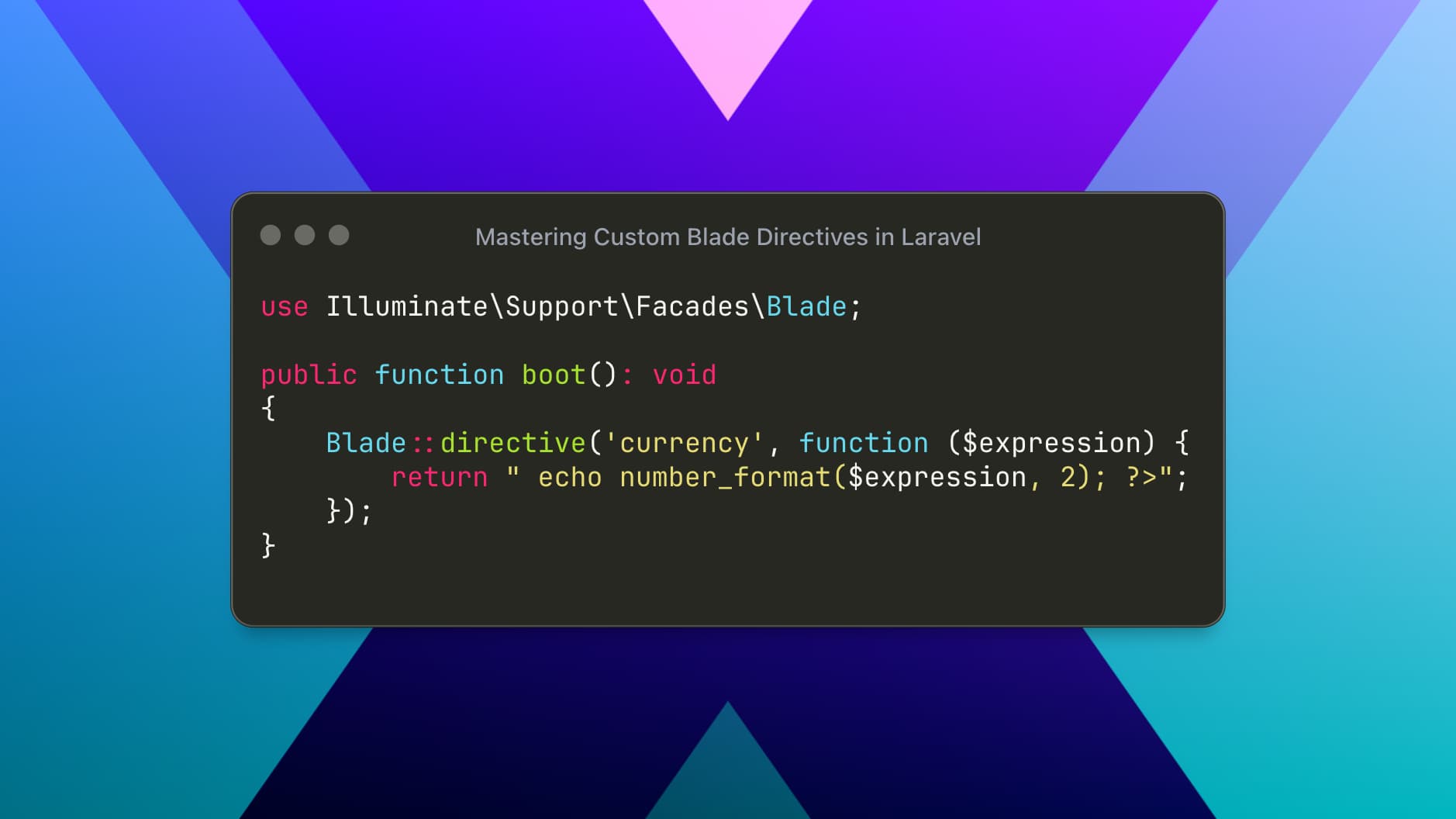
Laravel’s Blade templating engine is already powerful, but Custom Blade Directives take it to the next level. They allow you to encapsulate complex logic into expressive, reusable directives—keeping your views clean, readable, and maintainable.
In this article, we’ll explore what custom Blade directives are, when to use them, and how to build solid, real-world directives following Laravel best practices.
Why Custom Blade Directives Matter
Blade views should focus on presentation, not logic. Yet in real projects, you often end up with:
Repeated conditional checks
Authorization logic scattered across views
Formatting logic duplicated everywhere
Custom Blade directives solve this by:
✔ Centralizing logic
✔ Improving readability
✔ Reducing duplication
✔ Making views more expressive
Types of Blade Directives
Laravel supports two kinds of custom directives:
Inline Directives – Return a PHP expression
Block Directives – Work like
@if ... @endif
Both are registered using the Blade facade.
Where to Register Blade Directives
The recommended place is the boot() method of a service provider.
Most commonly:
app/Providers/AppServiceProvider.phpMake sure the directive is registered before any views are rendered.
1. Creating an Inline Blade Directive
Inline directives return a single PHP expression.
Example: @currency($amount)
Instead of repeating number formatting logic everywhere, let’s create a clean directive.
Step 1: Register the Directive
use Illuminate\Support\Facades\Blade;

public function boot(): void
{
    Blade::directive('currency', function ($expression) {
        return "<?php echo number_format($expression, 2); ?>";
    });
}
Step 2: Use It in Blade
<p>Total Amount: @currency($order->total)</p>Output
Total Amount: 1,250.00✔ Clean
✔ Reusable
✔ No logic in the view
2. Creating a Block Blade Directive
Block directives are perfect for conditional rendering.
Example: @admin ... @endadmin
Let’s assume you want to show content only to admin users.
Step 1: Register the Block Directive
use Illuminate\Support\Facades\Auth;
use Illuminate\Support\Facades\Blade;

public function boot(): void
{
    Blade::if('admin', function () {
        return Auth::check() && Auth::user()->is_admin;
    });
}
Blade::if()is the official and recommended way to create conditional directives.
Step 2: Use It in Blade
@admin
    <button class="btn btn-danger">Delete User</button>
@endadmin
What Happens Behind the Scenes?
Laravel translates this into:
<?php if(Auth::check() && Auth::user()->is_admin): ?>
    ...
<?php endif; ?>
Clean syntax, powerful logic.
3. Directive with Parameters (Real-World Example)
Example: @hasRole('manager')
Register the Directive
Blade::if('hasRole', function (string $role) {
    return auth()->check() && auth()->user()->role === $role;
});
Use It
@hasRole('manager')
    <a href="/reports">View Reports</a>
@endhasRole
This approach is perfect for role-based UI rendering.
4. Custom Blade Directive with Raw PHP Control
Sometimes you need full control.
Example: @datetime($date)
Blade::directive('datetime', function ($expression) {
    return "<?php echo ($expression)->format('d M Y, h:i A'); ?>";
});
Usage
<span>Created at: @datetime($user->created_at)</span>Best Practices for Blade Directives
✔ Keep directives small and focused
✔ Avoid heavy database queries
✔ Prefer Blade::if() for conditions
✔ Register complex logic via services or helpers
✔ Name directives clearly and semantically
When NOT to Use Blade Directives
❌ Complex business logic
❌ Database queries
❌ Data mutation
Blade directives are for presentation logic only.
Final Thoughts
Custom Blade directives are an underrated superpower in Laravel. When used correctly, they:
Dramatically improve readability
Enforce consistency
Make views expressive and maintainable
If you find yourself repeating logic in Blade views, it’s probably time to create a directive.
Clean views are not optional in large Laravel applications—they’re a necessity.