Developing a Laravel API often starts with a simple route and a JSON return. It works perfectly on your local machine, but the moment you hit "deploy," the real world strikes back.
Between CORS errors, server overloads, and massive payload sizes, a "working" API can quickly become a broken one. To move from a hobbyist project to a production-ready system, you need to master four pillars: Rate Limiting, CORS, Authentication, and Pagination.
In this guide, we’ll break down how to implement these in both Laravel 11 (the new streamlined structure) and Laravel 10.
1. The Structural Shift: Laravel 10 vs. 11 or later
Before diving into code, it is important to note where your configuration lives.
Laravel 10 & Below: Relies on
app/Http/Kernel.phpand theRouteServiceProvider.Laravel 11+: The
Kernel.phpis gone. Middleware and exceptions are now configured inbootstrap/app.phpfor a more modular experience.
2. Rate Limiting: Protecting Your Resources
Without rate limiting, your API is vulnerable to brute-force attacks and "noisy neighbors" who might accidentally flood your server with requests.
The Strategy
While you can use simple IP-based throttling, production APIs should prioritize user-based throttling. This ensures that one person on a shared Wi-Fi (same IP) doesn't accidentally block everyone else.
Define your logic in AppServiceProvider:
use Illuminate\Cache\RateLimiting\Limit;
use Illuminate\Support\Facades\RateLimiter;

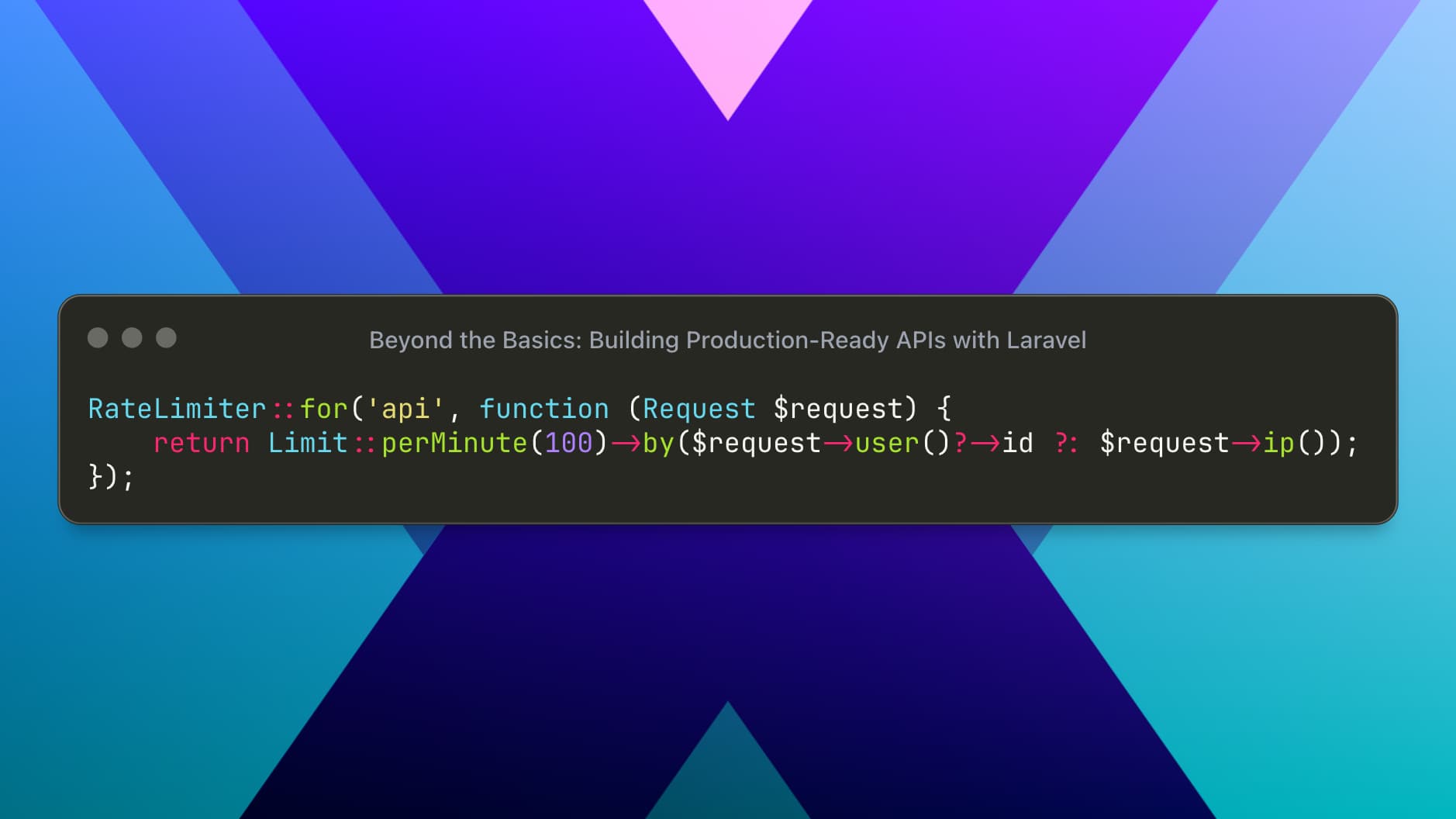
RateLimiter::for('api', function (Request $request) {
    return Limit::perMinute(100)->by($request->user()?->id ?: $request->ip());
});
Applying it in Laravel 11 (bootstrap/app.php):
->withMiddleware(function ($middleware) {
    $middleware->throttle('api', 'api');
})
3. Mastering CORS (Cross-Origin Resource Sharing)
If your frontend (Vue, React, Next.js) lives on a different domain than your API, you will hit CORS errors.
The configuration lives in config/cors.php. While it’s tempting to use a wildcard (*), never do this in production.
Recommended Configuration:
return [
    'paths' => ['api/*', 'sanctum/csrf-cookie'],
    'allowed_methods' => ['*'],
    'allowed_origins' => [
        'https://app.yourdomain.com', // Your Production Frontend
        'http://localhost:3000',      // Your Local Development
    ],
    'allowed_headers' => ['*'],
    'supports_credentials' => true,
];
4. Secure Authentication with Sanctum
For most modern SPAs and mobile apps, Laravel Sanctum is the industry standard. It provides a lightweight token-based system without the complexity of OAuth2.
Protecting Routes
Once Sanctum is installed, protecting a route is as simple as adding the middleware:
Route::middleware(['auth:sanctum'])->group(function () {
    Route::get('/user/profile', [UserController::class, 'show']);
});
The "Login" Logic
A production login should always validate credentials and return a plain-text token:
public function login(Request $request) {
    $user = User::where('email', $request->email)->first();

    if (!$user || !Hash::check($request->password, $user->password)) {
        return response()->json(['message' => 'Unauthorized'], 401);
    }

    return response()->json([
        'token' => $user->createToken('auth_token')->plainTextToken
    ]);
}
5. Pagination: Keep Your Responses Lean
Never use User::all(). As your database grows, this will eventually crash your application or result in massive, slow-loading JSON payloads.
The Right Way:
Always use paginate() and specify only the columns you need to save memory and bandwidth.
public function index() {
    return User::select('id', 'name', 'email')
               ->latest()
               ->paginate(15);
}
Laravel will automatically include metadata like current_page, last_page, and total, allowing your frontend to build a robust navigation UI.
Summary Checklist for Deployment
Before you go live, run through this mental checklist:
Throttling: Is my API protected from request flooding?
CORS: Are my allowed origins restricted to my actual domains?
Auth: Are all sensitive endpoints behind the
auth:sanctummiddleware?Data: Am I paginating all collection results?
Environment: Is
APP_DEBUGset tofalsein my.env?
Final Thoughts
Laravel 11 makes API development cleaner, but the principles of security and scalability remain the same. By implementing these four strategies, you’re moving from a "demo" to a professional-grade service.