Laravel’s official starter kits have received a useful upgrade — all four now include toast notifications out of the box. This change replaces the older inline action messages with a more modern, consistent notification system across every stack.
The feature was contributed by @WendellAdriel, bringing a unified way to display feedback messages to users.
How It Works
Inertia Stacks (React, Vue, Svelte)
For Inertia-based stacks, Laravel introduces a new server-side method: Inertia::flash(). This allows you to send toast data directly from your controller to the frontend.
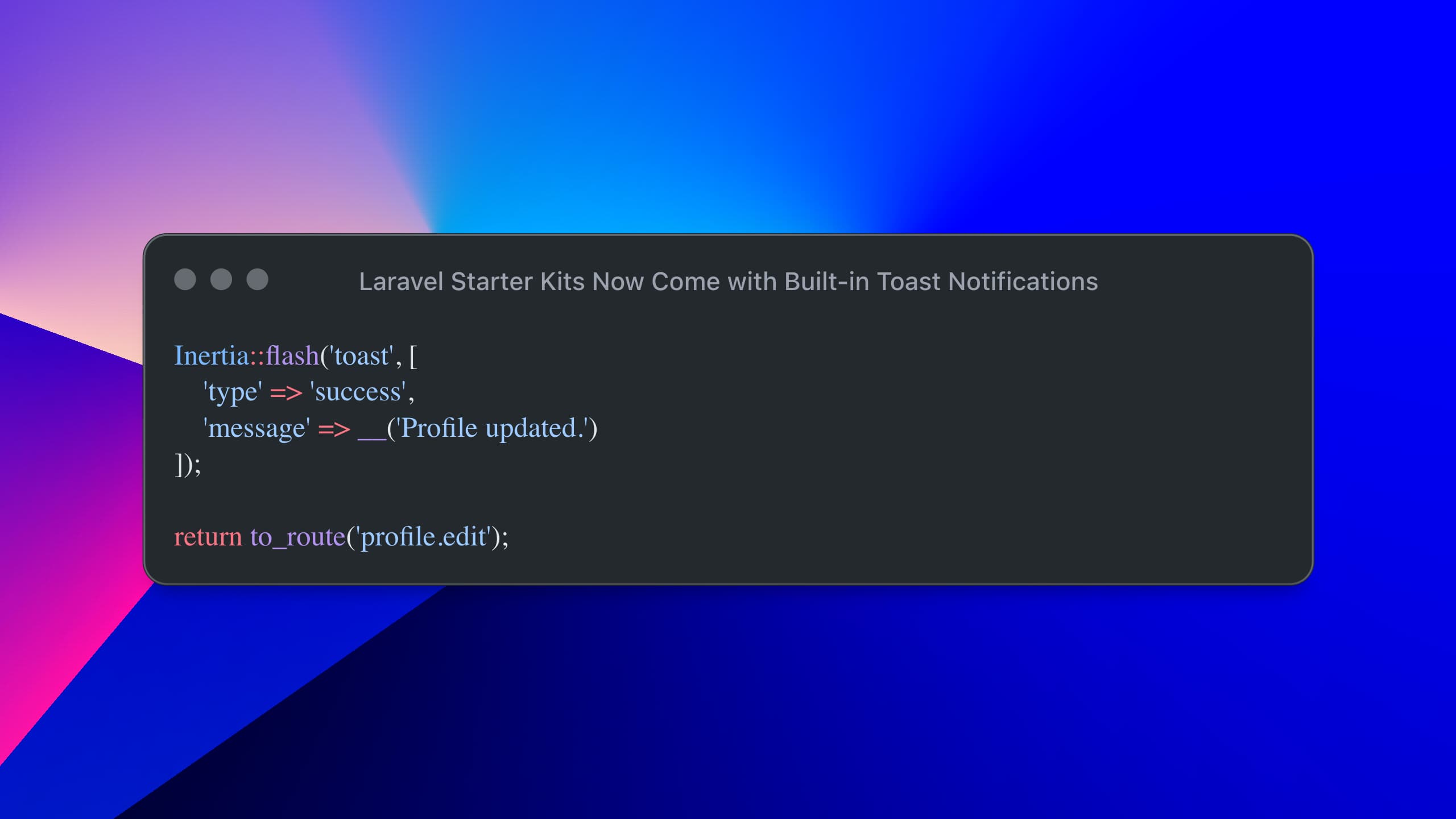
Inertia::flash('toast', [
    'type' => 'success',
    'message' => __('Profile updated.')
]);

return to_route('profile.edit');
On the frontend, a custom hook listens for this flash event and triggers a toast notification using Sonner.
Example (React)
import { router } from '@inertiajs/react';
import { useEffect } from 'react';
import { toast } from 'sonner';
import type { FlashToast } from '@/types/ui';

export function useFlashToast(): void {
    useEffect(() => {
        return router.on('flash', (event) => {
            const flash = (event as CustomEvent).detail?.flash;
            const data = flash?.toast as FlashToast | undefined;

            if (!data) return;

            toast[data.type](data.message);
        });
    }, []);
}
The toast payload supports four variants:
export type FlashToast = {
    type: 'success' | 'info' | 'warning' | 'error';
    message: string;
};
A global <Toaster /> component is mounted at the application level, ensuring notifications work across all pages without extra setup.
Livewire Stack
For Livewire users, Laravel integrates with Flux’s built-in toast system.
Instead of dispatching browser events or using inline message components, you can now trigger notifications directly with:
use Flux\Flux;

Flux::toast(
    variant: 'success',
    text: __('Profile updated.')
);
To ensure persistence across component updates, the layout includes a toast group:
@persist('toast')
    <flux:toast.group>
        <flux:toast />
    </flux:toast.group>
@endpersist
This replaces the old <x-action-message> component, which displayed temporary inline messages like “Saved.”
What’s New
Toast notifications are now integrated across all starter kits
Used for common actions like:
Profile updates
Password changes
Email verification
Controllers now use toast-based flash data instead of session messages or event dispatching
How to Use It in Your App
You can easily add toast notifications to your own features:
Inertia stacks: use
Inertia::flash()Livewire stack: use
Flux::toast()
The frontend setup is already handled — no additional wiring required.
Under the Hood
Each stack uses a toast library suited to its framework:
React →
sonnerVue →
vue-sonnerSvelte →
svelte-sonnerLivewire → Flux toast components
This update makes Laravel starter kits feel more polished and modern, while giving developers a consistent and flexible way to handle user feedback across different stacks.