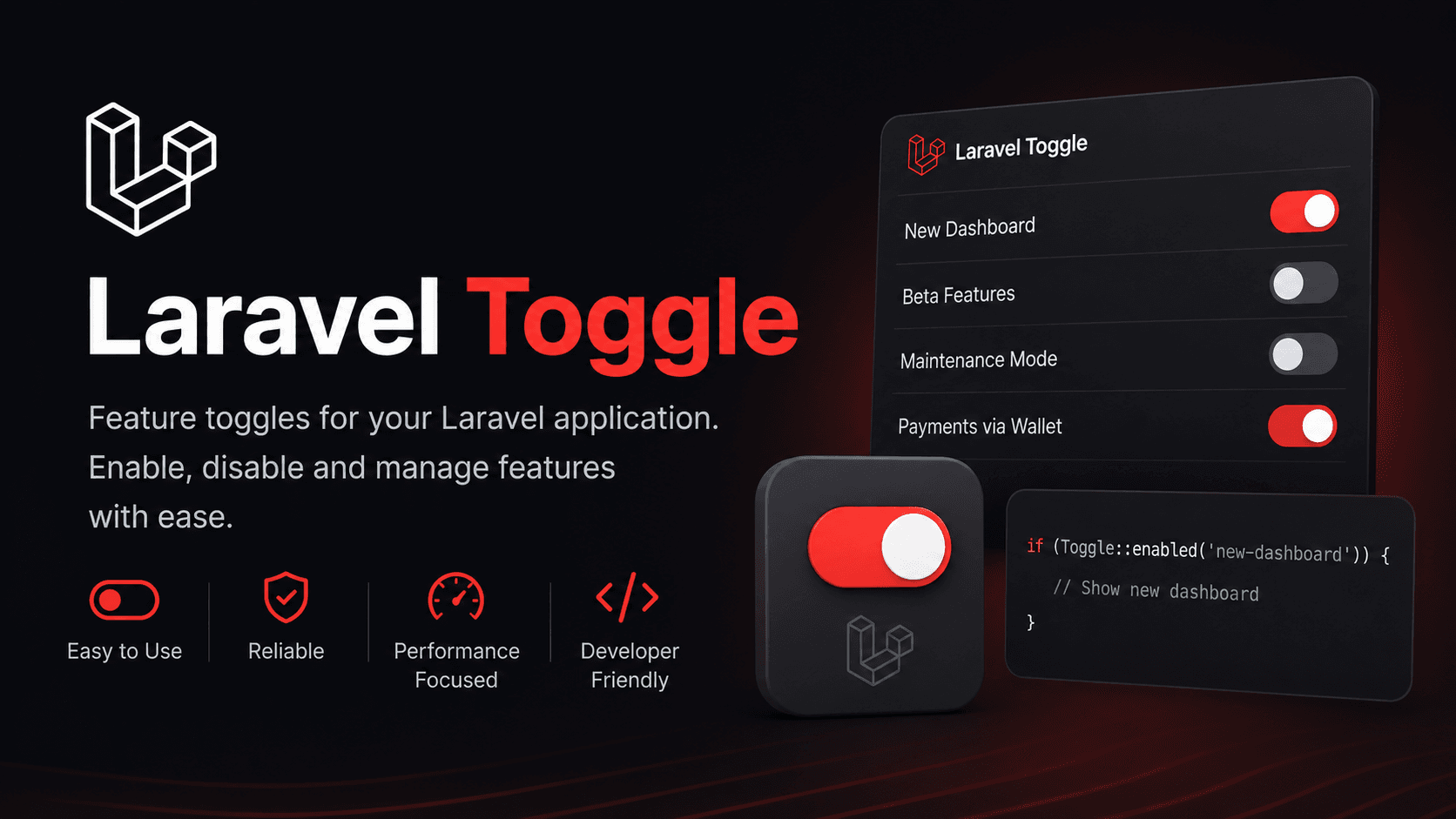
Feature flags are one of the easiest ways to ship new functionality safely. While Laravel already offers powerful experimentation tools through Laravel Pennant, sometimes you only need a clean and lightweight way to turn features on or off globally.
That is exactly what Laravel Toggle aims to solve.
Built for simplicity, Laravel Toggle gives Laravel developers an easy feature flag system powered by .env, the database, or both — without the complexity of user targeting or A/B testing.
Installing Laravel Toggle
Laravel Toggle supports PHP 8.2+ and works with Laravel 11, 12, and 13.
Install the package using Composer:
composer require offload-project/laravel-togglePublish the configuration file:
php artisan vendor:publish --tag=toggle-configIf you want runtime database-controlled feature flags, publish and run the migrations as well:
php artisan vendor:publish --tag=toggle-migrations
php artisan migrate
Defining Feature Flags
Feature flags are defined inside config/toggle.php.
You can keep them connected to environment variables for easy deployment-based control:
'flags' => [
    'comments' => env('TOGGLE_COMMENTS', true),
    'related-articles' => env('TOGGLE_RELATED_ARTICLES', false),
],
This setup makes it easy to enable or disable features without changing application code.
Checking Flags in Your Application
Laravel Toggle provides a simple facade for checking whether a feature is active.
Example inside a controller:
use OffloadProject\Toggle\Facades\Toggle;

class ArticleController
{
    public function show(string $slug)
    {
        $article = Article::where('slug', $slug)
            ->when(
                Toggle::active('comments'),
                fn ($q) => $q->with('comments.author')
            )
            ->firstOrFail();

        return view('articles.show', [
            'article' => $article,
            'related' => Toggle::active('related-articles')
                ? RelatedArticles::for($article)
                : collect(),
        ]);
    }
}
You can also check if a feature is disabled using Toggle::inactive():
if (Toggle::inactive('newsletter-v2')) {
    Mail::to($subscriber)->queue(new WeeklyDigest($articles));
}
Blade Directives for Cleaner Templates
Laravel Toggle includes custom Blade directives for cleaner conditional rendering.
@toggle('comments')
    <livewire:article.comments :article="$article" />
@elsetoggle
    <p class="text-sm text-gray-500">
        Comments are closed on this post.
    </p>
@endtoggle
This keeps your Blade templates easier to read compared to multiple @if statements.
Using Enums for Type-Safe Flags
If you prefer stronger typing and better autocomplete support, Laravel Toggle works with PHP backed enums.
enum Feature: string
{
    case Comments = 'comments';
    case RelatedArticles = 'related-articles';
    case Paywall = 'paywall';
}
Usage:
if (Toggle::active(Feature::Paywall) && $article->isPremium()) {
    return view('articles.paywall', compact('article'));
}
Enums make feature flags easier to maintain in larger applications.
Supported Drivers
Laravel Toggle ships with two drivers:
Config Driver
TOGGLE_DRIVER=configRead-only
Uses values from
config/toggle.phpIdeal for stable production flags
Database Driver
TOGGLE_DRIVER=databaseRead/write support
Allows runtime toggling
Falls back to config values if no database record exists
You can also mix both approaches.
Example:
'flags' => [
    'comments' => env('TOGGLE_COMMENTS', true),
],

'database_flags' => [
    'breaking-news-banner',
    'newsletter-signup-modal',
],
This hybrid setup is useful when some features should remain deployment-controlled while others need instant runtime control.
Runtime Feature Control
When using the database driver, flags can be changed dynamically without redeploying your app.
Toggle::enable('breaking-news-banner');

Toggle::disable('breaking-news-banner');

Toggle::delete('breaking-news-banner');
You can also retrieve all flags:
Toggle::all();This is especially useful for admin dashboards or operational feature management.
Built-In Caching
Laravel Toggle includes caching support for faster lookups.
TOGGLE_CACHE_ENABLED=true
TOGGLE_CACHE_STORE=redis
TOGGLE_CACHE_TTL=3600
The package automatically clears cache entries when toggle records are updated or deleted.
You can also clear cache manually:
Toggle::forgetCache('name');

Toggle::flushCache();
Handling Undefined Flags
Laravel Toggle lets you decide what should happen when checking an undefined feature flag.
TOGGLE_DEFAULT=falseAvailable options:
falsetrueexception
Using exception during development can help catch missing or mistyped flags early.
Inertia.js Support
If your application uses Inertia.js, Laravel Toggle can automatically share all flags with your frontend.
Register the middleware:
use OffloadProject\Toggle\Middleware\ShareTogglesWithInertia;

->withMiddleware(function (Middleware $middleware) {
    $middleware->web(append: [
        ShareTogglesWithInertia::class,
    ]);
})
Frontend example:
const { flags } = usePage().props

if (flags.breakingNewsBanner) {
    showBanner()
}
This removes the need for additional API requests just to check feature availability.
Artisan Commands
Laravel Toggle also ships with several helpful Artisan commands:
php artisan toggle:list
php artisan toggle:create
php artisan toggle:cache-clear
These commands make it easier to manage feature flags directly from the terminal.