In this article, you’ll learn several practical and production‑ready ways to download files from external URLs in a Laravel application. We’ll cover how to:
Stream a remote file directly to the browser
Download and store a file on your server
Stream large files into storage without high memory usage
Serve stored files back to users
Combine remote fetching and user downloads safely
All examples use plain Laravel controllers, the HTTP client, and the Storage facade, so you can copy and adapt them directly into your own project.
Basic Controller Setup
All examples assume a simple controller called from routes.
Routes
// routes/web.php

use App\Http\Controllers\FileDownloadController;
use Illuminate\Support\Facades\Route;

Route::get('/download-remote', [FileDownloadController::class, 'downloadRemote']);
Route::get('/cache-remote', [FileDownloadController::class, 'cacheRemote']);
Route::get('/cache-remote-stream', [FileDownloadController::class, 'cacheRemoteStreamed']);
Route::get('/download-cached', [FileDownloadController::class, 'downloadCached']);
Route::get('/proxy-remote', [FileDownloadController::class, 'proxyRemote']);
Controller Skeleton
// app/Http/Controllers/FileDownloadController.php

namespace App\Http\Controllers;

use Illuminate\Http\Request;
use Illuminate\Support\Facades\Http;
use Illuminate\Support\Facades\Storage;
use GuzzleHttp\Psr7\Utils;

class FileDownloadController extends Controller
{
   // Methods are shown below
}
Streaming a Remote URL Directly to the Browser
If you simply want to proxy a remote download through your Laravel app (for authentication, logging, or access control), you can stream the file without saving it to disk.
public function downloadRemote(Request $request)
{
    $url = $request->query('url');

    if (! $url) {
        abort(400, 'Missing url parameter');
    }

    $fileName = basename(parse_url($url, PHP_URL_PATH)) ?: 'downloaded-file';

    return response()->streamDownload(function () use ($url) {
        $handle = fopen($url, 'rb');


        if (! $handle) {
            abort(502, 'Unable to open remote file');
        }

        while (! feof($handle)) {
            echo fread($handle, 1024 * 1024); // 1 MB chunks
        }

        fclose($handle);
    }, $fileName);
}
Why this works well
Streams data in chunks (low memory usage)
Does not persist the file on disk
Ideal for authenticated or logged downloads
⚠️ Notes:
allow_url_fopenmust be enabled in PHPSlow remote servers will slow the response
Downloading a File and Storing It on Disk
For caching or reuse, it’s often better to download the file once and store it.
public function cacheRemote(Request $request)
{
    $url = $request->query('url');


    if (! $url) {
        abort(400, 'Missing url parameter');
    }

    $response = Http::timeout(30)->get($url);

    if (! $response->successful()) {
        abort(502, 'Failed to download remote file');
    }

    $extension = pathinfo(parse_url($url, PHP_URL_PATH) ?? '', PATHINFO_EXTENSION);
    $fileName = 'remote_' . time() . ($extension ? ".{$extension}" : '');

    $path = "downloads/{$fileName}";

    Storage::disk('local')->put($path, $response->body());

    return response()->json([
        'stored_as' => $path,
        'disk' => 'local',
    ]);
}
Use this when
Files are small to medium sized
You want a quick, simple implementation
⚠️ This loads the entire file into memory once.
Streaming Large Files Directly into Storage (Best Practice)
For large files, stream the response directly to disk using Guzzle’s sink option.
public function cacheRemoteStreamed(Request $request)
{
    $url = $request->query('url');


    if (! $url) {
        abort(400, 'Missing url parameter');
    }


    $extension = pathinfo(parse_url($url, PHP_URL_PATH) ?? '', PATHINFO_EXTENSION);
    $fileName = 'remote_' . time() . ($extension ? ".{$extension}" : '');


    $relativePath = "downloads/{$fileName}";
    $absolutePath = Storage::disk('local')->path($relativePath);


    $resource = Utils::tryFopen($absolutePath, 'w');


    Http::withOptions([
        'sink' => $resource,
        'timeout' => 60,
    ])->get($url);


    return response()->json([
        'stored_as' => $relativePath,
        'disk' => 'local',
    ]);
}
Advantages
Minimal memory usage
Safe for very large files
Production‑grade approach
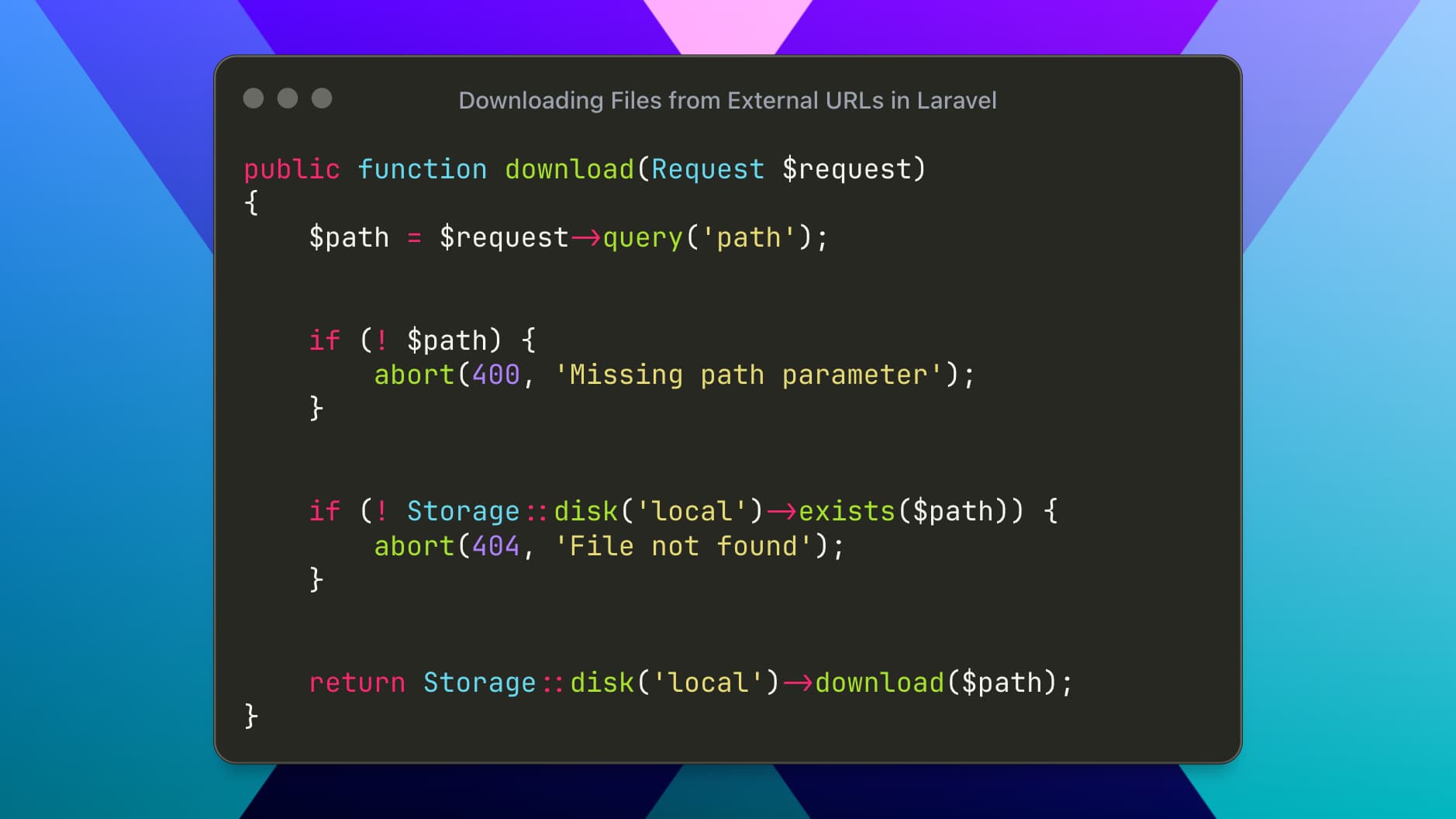
Letting Users Download a Stored File
Once the file exists on disk, serving it is trivial.
public function downloadCached(Request $request)
{
    $path = $request->query('path');


    if (! $path) {
        abort(400, 'Missing path parameter');
    }


    if (! Storage::disk('local')->exists($path)) {
        abort(404, 'File not found');
    }


    return Storage::disk('local')->download($path);
}
You can also customize the filename and headers:
return Storage::disk('local')->download($path, 'report.pdf', ['Content-Type' => 'application/pdf']);Proxying a Remote File to the User in One Request
If you want to fetch a remote file and immediately send it to the browser, without storing it:
public function proxyRemote(Request $request)
{
    $url = $request->query('url');


    if (! $url) {
        abort(400, 'Missing url parameter');
    }


    $fileName = basename(parse_url($url, PHP_URL_PATH)) ?: 'downloaded-file';


    $response = Http::timeout(60)->get($url);


    if (! $response->successful()) {
        abort(502, 'Failed to download remote file');
    }


    return response()->streamDownload(function () use ($response) {
        echo $response->body();
    }, $fileName, [
        'Content-Type' => $response->header('Content-Type', 'application/octet-stream'),
    ]);
}
✔ Good for small or moderate files ❌ Avoid for very large files
Downloading Files Using Queues or Cron Jobs
For slow or unreliable remote sources, avoid blocking HTTP requests.
Recommended flow:
Controller dispatches a job with the remote URL
Job downloads the file using
cacheRemoteStreamedJob stores the file path in the database
A separate endpoint exposes the file via
Storage::download()
This approach improves reliability and user experience, especially for large files or third‑party APIs.