When your application moves beyond simple profile pictures to handling raw 4K video, CAD files, or massive ZIP archives, the traditional multipart/form-data upload fails. PHP timeouts, memory limits, and unstable user connections turn 5GB uploads into a nightmare.
The industry standard for solving this is Chunked Uploads. By splitting a file into 1MB–5MB pieces, we can bypass server limits and—most importantly—resume a failed upload right where it left off.
The Strategy: State-Aware Backend
Most tutorials focus on the JavaScript side, but a robust system starts with the Backend Contract. Laravel needs to:
Identify a unique upload session.
Verify which chunks have already arrived.
Persist chunks in a temporary directory.
Reconstruct (merge) the file once the final piece is received.
1. The Controller Logic: Handling the Stream
We need a controller that can handle two things: checking the status of an existing upload and receiving a new chunk.
php artisan make:controller UploadController
namespace App\Http\Controllers;

use Illuminate\Http\Request;
use Illuminate\Support\Facades\Storage;
use Illuminate\Support\Facades\File;

class UploadController extends Controller
{
    /**
     * Check which chunks are already on the server.
     * This enables the "Resume" functionality.
     */
    public function checkStatus(Request $request)
    {
        $uploadId = $request->get('upload_id');
        $path = "chunks/{$uploadId}";

        $existingChunks = Storage::exists($path)
            ? collect(Storage::files($path))->map(fn($f) => (int) basename($f, '.part'))->values()
            : [];

        return response()->json($existingChunks);
    }

    /**
     * Accept a single chunk.
     */
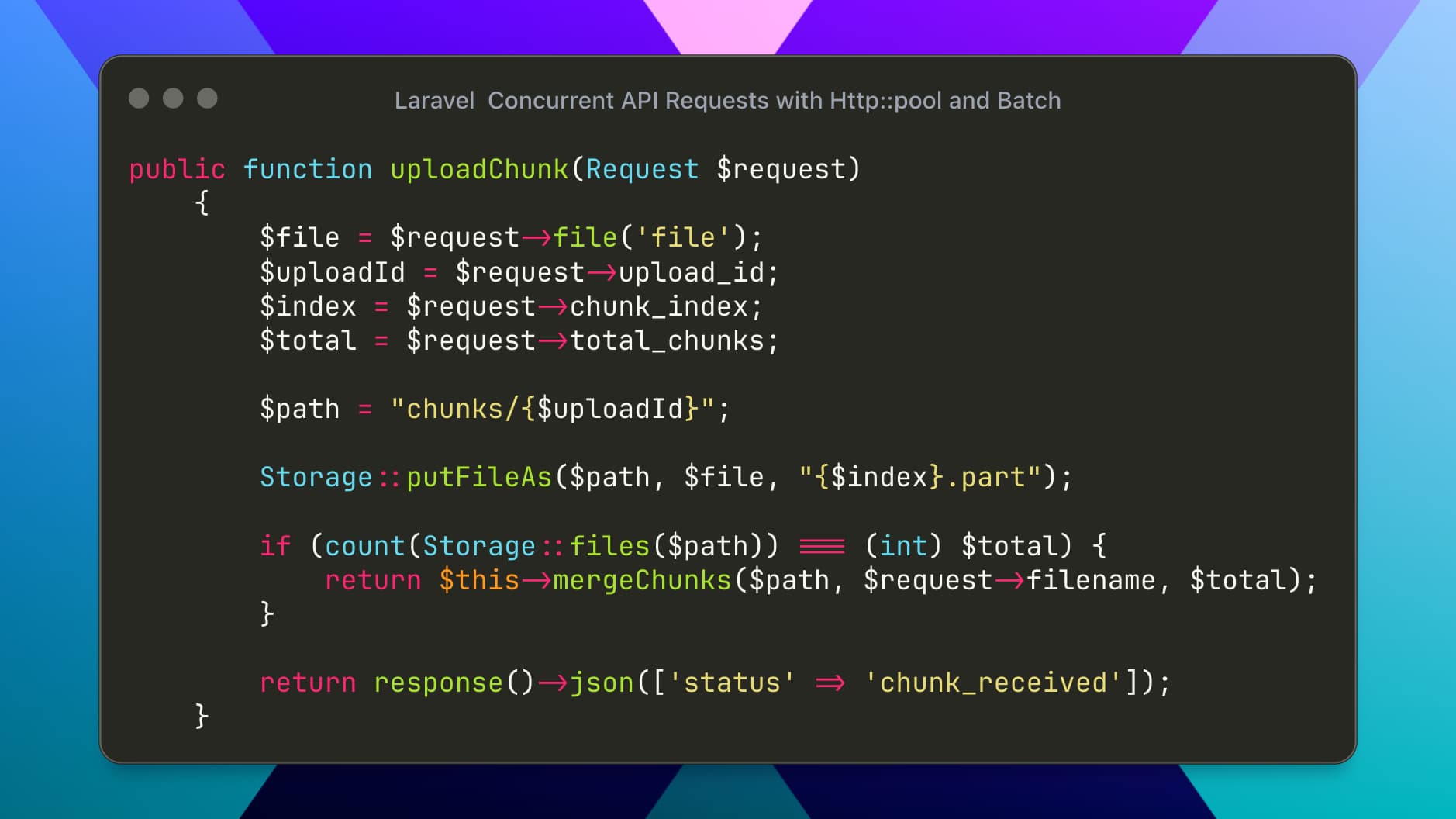
    public function uploadChunk(Request $request)
    {
        $file = $request->file('file');
        $uploadId = $request->upload_id;
        $index = $request->chunk_index;
        $total = $request->total_chunks;

        $path = "chunks/{$uploadId}";

        // Store the chunk with a .part extension
        Storage::putFileAs($path, $file, "{$index}.part");

        // If we have all chunks, trigger the merge
        if (count(Storage::files($path)) === (int) $total) {
            return $this->mergeChunks($path, $request->filename, $total);
        }

        return response()->json(['status' => 'chunk_received']);
    }
}
2. Reconstructing the File (The Merge)
Merging should be done using streams. This ensures that even if you are merging a 50GB file, your server’s RAM usage stays near zero.
PHP
protected function mergeChunks($chunkPath, $originalName, $total)
{
    $finalPath = storage_path("app/public/uploads/{$originalName}");

    // Create the final file
    $out = fopen($finalPath, "wb");

    for ($i = 0; $i < $total; $i++) {
        $chunkFile = storage_path("app/chunks/{$chunkPath}/{$i}.part");
        $in = fopen($chunkFile, "rb");

        // Stream the chunk into the final file
        stream_copy_to_stream($in, $out);

        fclose($in);
    }

    fclose($out);

    // Clean up temporary chunks
    Storage::deleteDirectory($chunkPath);

    return response()->json([
        'status' => 'complete',
        'path' => asset("storage/uploads/{$originalName}")
    ]);
}
3. The Frontend Implementation
The frontend simply asks Laravel: "What do you already have?" and then sends the missing slices.
async function uploadLargeFile(file) {
    const CHUNK_SIZE = 2 * 1024 * 1024; // 2MB Chunks
    const totalChunks = Math.ceil(file.size / CHUNK_SIZE);
    const uploadId = btoa(file.name + file.size); // Simple unique ID

    // 1. Resume Check
    const response = await fetch(`/api/upload/status?upload_id=${uploadId}`);
    const uploadedChunks = await response.json();

    for (let i = 0; i < totalChunks; i++) {
        // Skip chunks already on the server
        if (uploadedChunks.includes(i)) continue;

        const chunk = file.slice(i * CHUNK_SIZE, (i + 1) * CHUNK_SIZE);
        const formData = new FormData();
        formData.append('file', chunk);
        formData.append('upload_id', uploadId);
        formData.append('chunk_index', i);
        formData.append('total_chunks', totalChunks);
        formData.append('filename', file.name);

        await fetch('/api/upload/chunk', { method: 'POST', body: formData });

        // Update UI Progress
        let progress = Math.round(((i + 1) / totalChunks) * 100);
        console.log(`Progress: ${progress}%`);
    }
}
Pro-Tips for Production
1. File Locking
When merging massive files, use flock($out, LOCK_EX) to ensure two processes don't try to write to the same final file simultaneously if a user double-clicks upload.
2. Cleanup Cron
Sometimes users start an upload and never finish. Create a Laravel Command to delete folders in storage/app/chunks/ that are older than 24 hours.
3. S3 Integration
If you use Amazon S3, don't merge locally. Use the S3 Multipart Upload API. Laravel's Storage::append() works for local disks, but for S3, you should use the AWS SDK to handle the assembly in the cloud.
Summary
By moving from "Single Request" to "Chunked Streams," you remove the hardware limitations of your server. Your Laravel API is no longer restricted by post_max_size or upload_max_filesize, making it capable of handling enterprise-level data safely.