In the world of modern web development, your application is rarely an island. It likely talks to Stripe for payments, OpenAI for processing, and perhaps a CRM like HubSpot.
The problem? Sequential processing. If you need to fetch data from three different APIs and each takes 1 second, your user is stuck waiting for 3 seconds. In a production environment, that is an eternity.
Laravel’s HTTP Client (powered by Guzzle) offers a clean, expressive way to fire these requests concurrently, reducing that 3-second wait back down to just 1 second. Here is how to master Pools and Batches.
1. The Power of HTTP Pooling
Http::pool allows you to group multiple requests into a single "bundle" that executes in parallel. This is the most efficient way to gather data from multiple sources simultaneously.
Real-World Example: A Dashboard Aggregator
Imagine you are building a user dashboard that needs data from GitHub, Twitter, and a local Weather API.
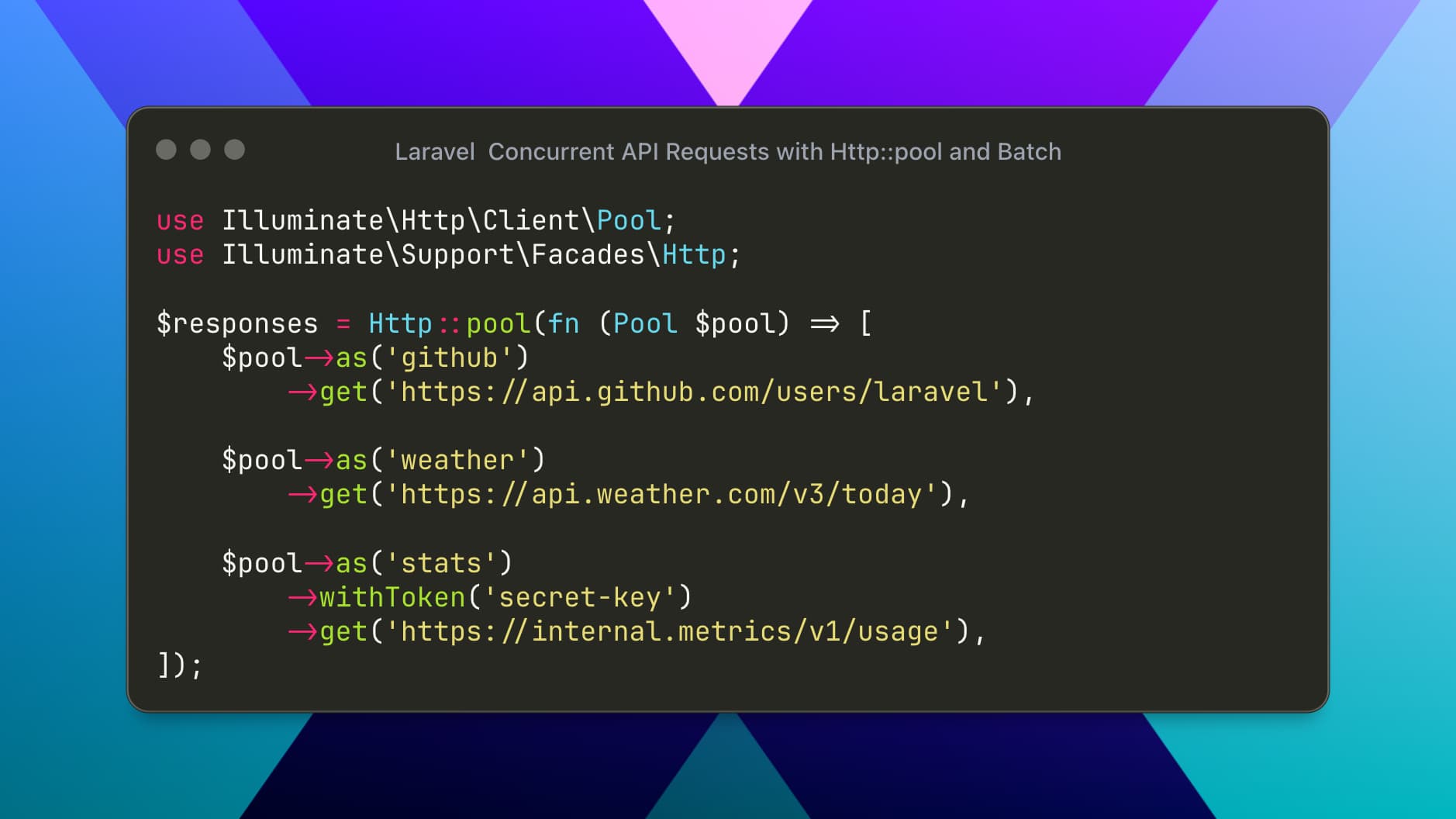
use Illuminate\Http\Client\Pool;
use Illuminate\Support\Facades\Http;

$responses = Http::pool(fn (Pool $pool) => [
    $pool->as('github')->get('https://api.github.com/users/laravel'),
    $pool->as('weather')->get('https://api.weather.com/v3/today'),
    $pool->as('stats')->withToken('secret-key')->get('https://internal.metrics/v1/usage'),
]);

// Accessing the data safely
if ($responses['github']->ok()) {
    $githubData = $responses['github']->json();
}

// You can even handle failures gracefully for specific parts of the UI
$weather = $responses['weather']->successful()
    ? $responses['weather']->json()
    : ['temp' => 'N/A'];
Why this is robust:
Named Keys: Using
as('key')prevents you from guessing array indexes like$responses[0].Parallel Execution: All three requests start at the same time.
Customization: Notice how the
statsrequest uses a Bearer token while others don't—all within the same pool.
2. Advanced Control with HTTP Batching
While pool is great for fetching data, Http::batch is designed for process-heavy workflows. It provides lifecycle hooks (callbacks) that allow you to log progress or handle errors for each individual request in the set.
Real-World Example: Multi-System Sync
Suppose you are syncing a new product across three different marketplaces. You need to know exactly which one failed and log it.
use Illuminate\Http\Client\Batch;
use Illuminate\Support\Facades\Http;

$product = ['name' => 'Laravel Pro Shirt', 'price' => 29.99];

$responses = Http::batch(function (Batch $batch) use ($product) {
    return [
        $batch->as('shopify')->post('https://shopify.com/api/products', $product),
        $batch->as('amazon')->post('https://amazon.com/api/listing', $product),
        $batch->as('ebay')->post('https://ebay.com/api/items', $product),
    ];
})
->before(function (Batch $batch) {
    logger()->info("Starting sync for {$batch->totalRequests} platforms.");
})
->progress(function (Batch $batch, $key, $response) {
    if ($response->successful()) {
        logger()->info("Successfully synced to: {$key}");
    }
})
->catch(function (Batch $batch, $key, $error) {
    // This will trigger if a request times out or a connection is refused
    logger()->error("Failed to sync to {$key}. Error: {$error->getMessage()}");
})
->finally(function (Batch $batch) {
    logger()->info("Sync process complete.");
})
->send();
3. Handling Errors: The "All or Nothing" Trap
When sending concurrent requests, one failing request shouldn't necessarily crash your entire script.
In Pools: Laravel returns the responses as an array. You should check
$responses['key']->successful()before processing.In Batches: The
catch()callback is your best friend. It allows you to intercept network-level failures without stopping the other requests in the batch.
Final Pro-Tip: Setting Timeouts
When running requests concurrently, a single "hanging" API can hold up your entire process. Always set a timeout inside your pool or batch:
$pool->as('slow_api')->timeout(2)->get('https://slow.service/data');By leveraging these tools, you transform your Laravel application from a sequential "one-thing-at-a-time" app into a high-performance engine capable of handling complex integrations with ease.